



ERP for Distributors: Inventory, Orders and Fulfilment

One ERP for every warehouse, sales team, supplier and delivery.

ERP for distributors connects customer demand, stock availability, purchasing, warehouse operations, fulfilment, delivery and finance in one process. SIX ERP helps teams manage orders against available and expected stock, coordinate replenishment, and follow each order from customer commitment to delivery and invoicing.
ERP for Distributors Workflow

Understand and prepare for the practical caveats of EPR implementation and prepare for compliance around EPR, PPWR and DPP. Achieve real-world compliance before it is too late — January 15, 2027.

From customer order to reliable delivery

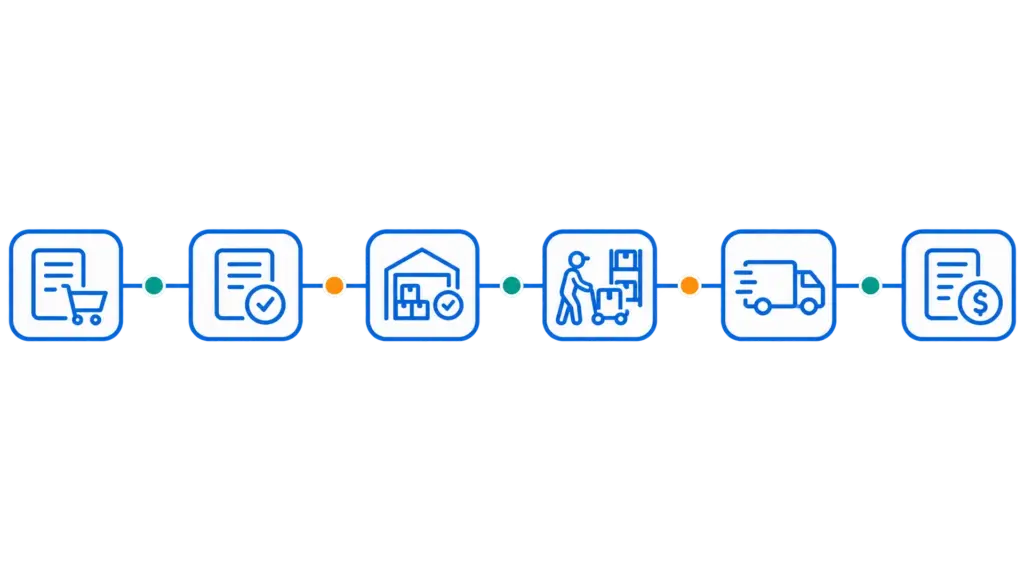
A customer order is only the beginning. Sales needs to confirm what can be supplied, purchasing needs to address shortages, and the warehouse needs clear instructions to pick and dispatch the right goods. SIX ERP connects these steps so teams can act on current order and stock information.

SalesFlow - From Order to Fulfilment

Keep every customer order moving

Manage customer requirements, product availability, reservations, purchasing needs, picking, delivery and invoicing around one connected order record. When stock is missing or an order can only be partly fulfilled, teams can see the open requirement and coordinate the next step.

Order visibility

Follow each order from confirmation through fulfilment, delivery, invoicing and payment status.

Stock-aware commitments

Review available, reserved and expected stock before confirming quantities or delivery dates.

Purchasing coordination

Connect unavailable items with supplier sourcing, approvals, purchase orders and expected receipts.

Fulfilment updates

Keep sales, warehouse, operations and finance informed as quantities are picked, packed, dispatched and delivered.

Connect every stock movement to business performance

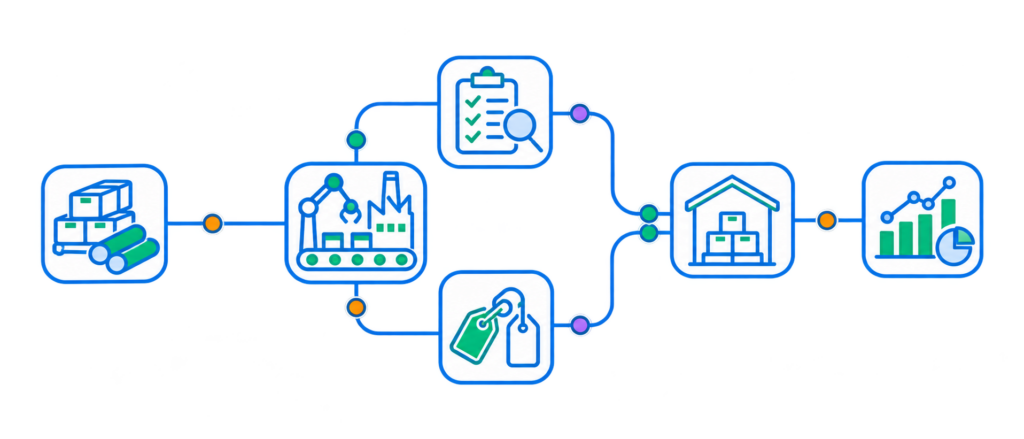
Every receipt, transfer, reservation, pick and delivery changes what the business can promise. SIX ERP links warehouse activity with sales, purchasing and finance, giving teams a clearer view of inventory and the orders that depend on it.

Control inventory. Trace every movement.

  • See physical, available, reserved, quarantined and in-transit quantities.
  • Manage multiple warehouses, zones and storage locations.
  • Track batches, serial numbers and expiry dates where required.
  • Connect goods receipts, transfers, picking, packing and deliveries with the relevant orders and business records.
  •  
Warehouse and Inventory Management

Control stock. Fulfil orders. Connect every process.

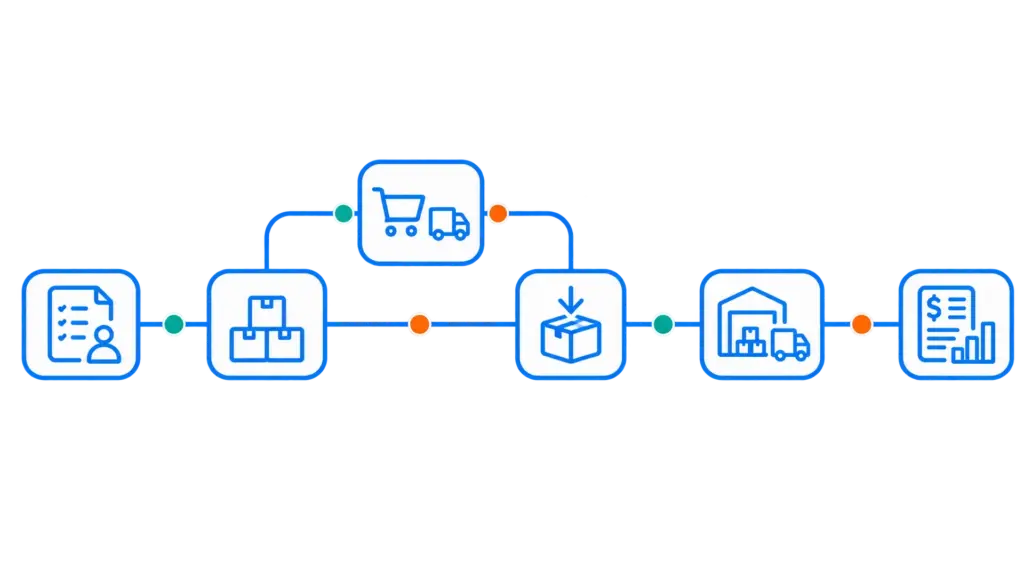
Distributors balance customer demand with inventory, supplier lead times, warehouse capacity and delivery commitments. SIX ERP brings sales, purchasing, StockFlow and FinanceFlow into connected workflows, helping teams respond when stock is available, delayed, reserved or running low.

Capture complete order requirements

Keep customer, product, quantity, price, delivery terms, documents and approvals connected to the order.

Check what can be promised

Review available and expected inventory before confirming a quantity or delivery date with the customer.

Reserve goods for confirmed orders

Allocate available stock to the right customer demand and make remaining shortages visible to the team.

Follow fulfilment through delivery

Connect picking, packing, dispatch and delivery status with the original customer order.

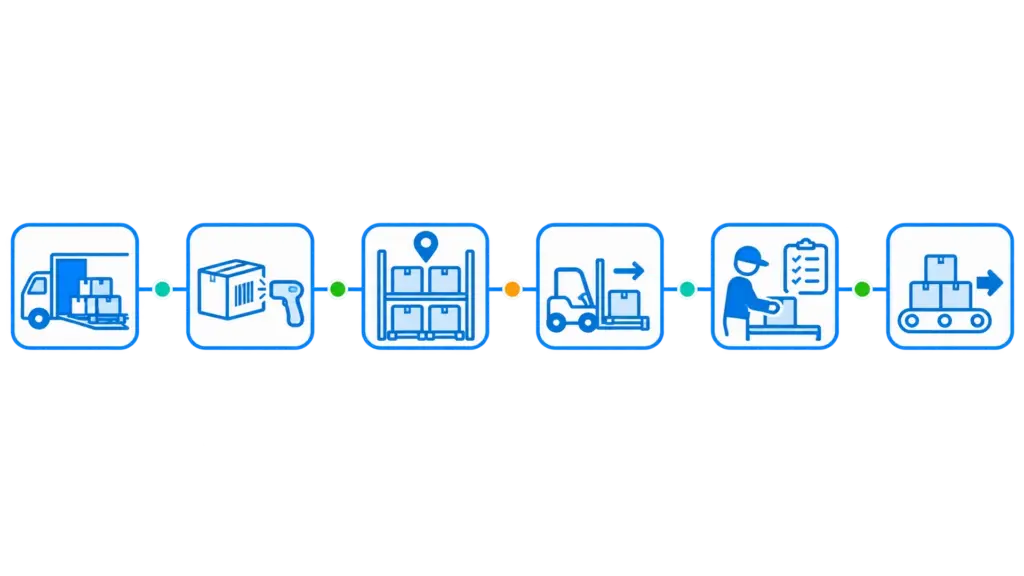
Receive and store goods accurately

Record incoming quantities, inspect goods and assign items to the appropriate warehouse and storage location.

Know where stock is held

View inventory across warehouses, zones and bin locations, including quantities that are available, reserved or in transit.

Pick and pack with clear instructions

Create structured picklists so warehouse employees can identify the correct products, locations and quantities.

Keep item histories traceable

Follow batches and serial numbers through receipts, transfers, fulfilment and delivery where those controls are needed.

Link sales demand with purchasing

Give buyers visibility into customer requirements, stock shortages, expected receipts and requested delivery dates.

Replenish stock with better context

Review current inventory, reservations, open demand and incoming supply before deciding what to reorder.

Carry transactions into finance

Connect completed sales and purchasing activity with invoicing, payment status, costs and financial reporting.

Give teams a shared operational view

Bring customer orders, stock movements, supplier deliveries and fulfilment progress into connected business records.

Talk to an Expert

Every distribution business has its own products, warehouse rules, suppliers and delivery commitments. Talk with a SIX expert about your current order and inventory process and explore how connected sales, purchasing, warehouse and finance workflows could support your operation.

Discover the SIX philosophies of connected Flows

Resources

ERP Comparison: Which Solution Fits Your Business?

Compare SIX ERP with Odoo, Oracle NetSuite, Microsoft Dynamics 365, SAP, and Sage across licensing, users, modules, scalability, customization, upgrades, support, and business continuity. Understand the strengths, limitations, and long-term trade-offs that matter before choosing your next ERP platform.

Frequently Asked Questions

Industry ERP for Distributors Frequently Asked Questions

  • What is ERP for distributors?

    ERP for distributors is software that connects the processes involved in buying, storing, selling and delivering goods. It can bring customer orders, purchasing, inventory, warehouse operations, fulfilment, invoicing and finance into one coordinated system.

  • What does SIX ERP connect for distribution businesses?

    SIX ERP can connect customer management, sales orders, purchasing, warehouse and inventory operations, delivery, invoicing and finance. The relevant Flows can be configured around the processes your business needs.

  • Can SIX ERP manage multiple warehouses and storage locations?

    Yes. SIX StockFlow supports multiple warehouses, zones and bin locations. Teams can review where items are held and distinguish physical stock from available, reserved, quarantined and in-transit quantities.

  • How does SIX ERP help sales teams check product availability?

    Sales teams can use connected inventory information to review what is available, reserved or expected before confirming an order. When goods are unavailable, the requirement can be connected with purchasing and expected supplier deliveries.

  • Can SIX ERP connect customer orders with purchasing?

    Yes. A customer order can provide context for a purchasing requirement, including the needed quantity and requested delivery date. Purchasing teams can manage supplier offers, approvals, purchase orders, expected deliveries and goods receipt through connected workflows.

  • Can SIX ERP support partial deliveries?

    SIX SalesFlow connects customer orders with fulfilment and delivery information. This helps teams keep delivered and remaining quantities visible and coordinate the next fulfilment step. The exact process should be configured to match your order and delivery rules.

  • Does SIX StockFlow track batches, serial numbers and expiry dates?

    Yes. StockFlow can track batches, serial numbers and expiry dates where required, maintaining item history across receipts, storage, transfers and customer delivery.

  • Can SIX ERP connect to e-commerce, supplier or logistics systems?

    SIX ERP can be integrated with external systems where the required data exchange and connection are supported. The integration scope depends on the systems involved, available interfaces and business requirements, so these should be reviewed during analysis.

  • How does SIX ERP support replenishment and shortage prevention?

    StockFlow connects inventory levels with reservations, open demand and expected receipts. PurchaseFlow can use this context to manage replenishment requirements, supplier orders and incoming deliveries, helping teams identify potential shortages earlier.