


SIX SalesFlow®

From customer order to fulfillment, delivery, invoicing and repeat business—connected.

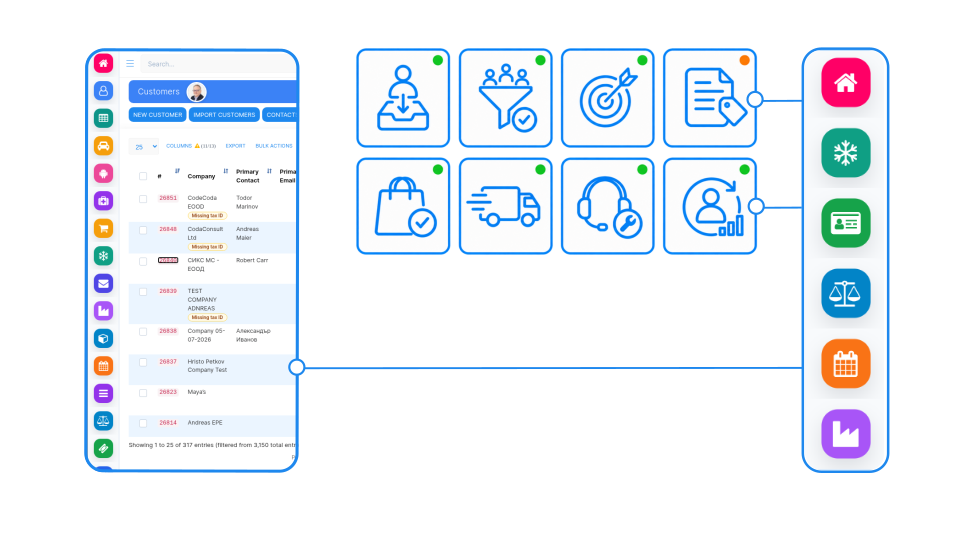
SIX SalesFlow connects customer orders, stock availability, production or purchasing, picking, delivery, invoicing, payment status and follow-up in one complete sales process. Give sales, warehouse, operations, logistics and finance teams the same current information from the first customer commitment to repeat business.

Understand and prepare for the practical caveats of EPR implementation and prepare for compliance around EPR, PPWR and DPP. Achieve real-world compliance before it is too late — January 15, 2027.

Every customer order. One connected path to revenue.

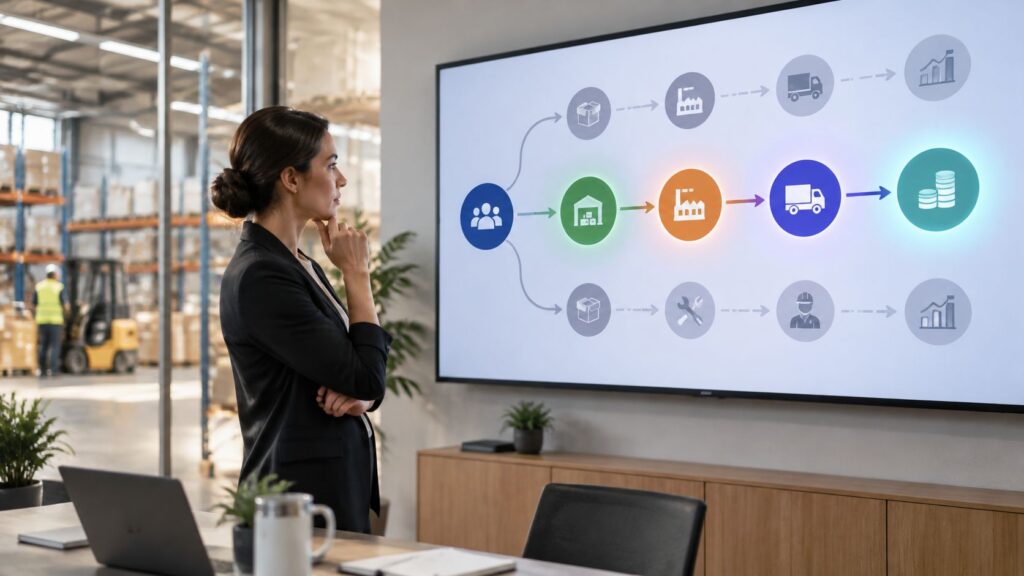
Your teams should not have to manage pricing, stock availability, customer orders, production requirements, deliveries and invoices across separate systems. SIX SalesFlow connects sales, purchasing, warehouse, manufacturing, logistics and finance in one controlled process, giving everyone a current view of what was ordered, what can be supplied, what has been delivered and what remains to be invoiced or paid.

Turn every customer commitment into controlled fulfillment

From order confirmation to final invoicing, every responsible team works with the same current information. Confirm prices and quantities, check availability, reserve inventory, trigger purchasing or production, prepare picking and delivery, and create the correct invoice from the completed transaction.

SIX SalesFlow helps reduce order errors, delayed deliveries and manual handovers between departments. Sales teams can follow each order through fulfillment, delivery, invoicing and payment status while preserving the complete customer and transaction history for service, reporting and repeat business.

One complete and traceable customer order

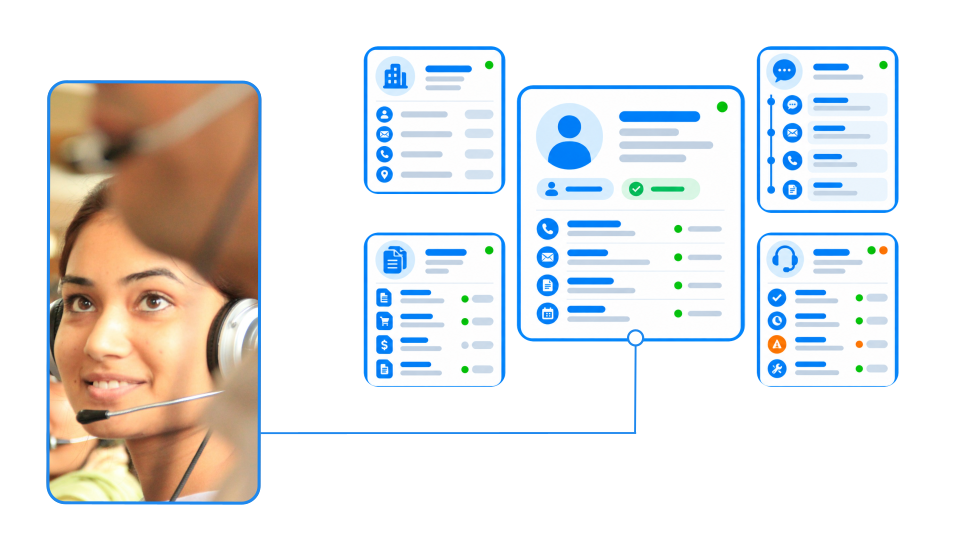
Keep customer details, products, prices, discounts, quantities, delivery terms, documents and approvals together. Give sales and operations teams a reliable order record from initial confirmation through delivery, invoicing and final settlement.

Promise only what can be delivered

Check physical, available, reserved and expected inventory before confirming delivery. When products are unavailable, connect the requirement with purchasing or manufacturing and give the customer a more realistic fulfillment date.

Fulfill and deliver with accuracy

Turn confirmed orders into reservations, picklists, packing and delivery records. Track partial deliveries, remaining quantities and order status while keeping sales, warehouse and logistics teams aligned throughout fulfillment.

Turn every delivery into revenue

Create invoices from confirmed deliveries, monitor payment status and preserve returns, credits and transaction history. Give management clear sales results while helping teams continue from completed orders into service, follow-up and repeat business.

From customer order to lasting business

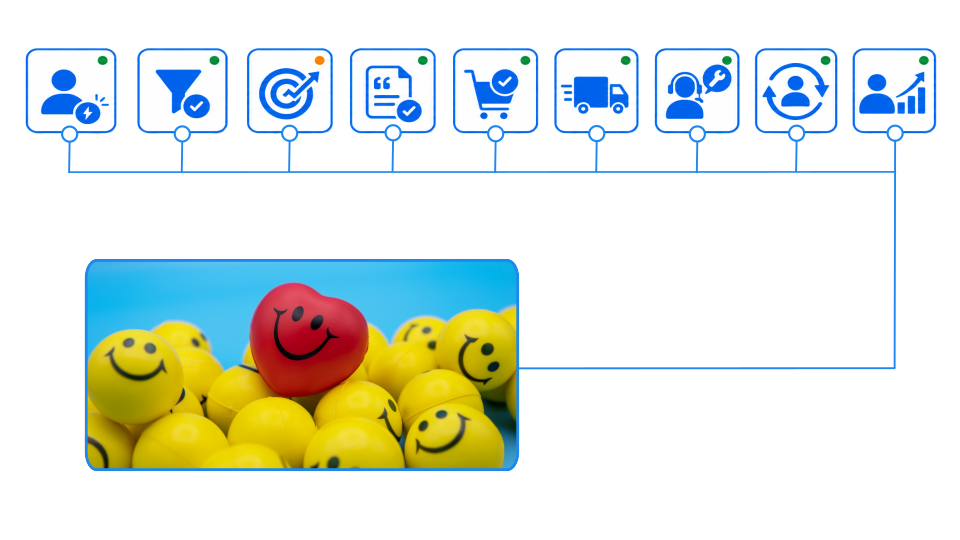
Connect every stage of the sales process, from order confirmation and availability checks to fulfillment, delivery, invoicing and follow-up. SIX SalesFlow keeps sales, purchasing, manufacturing, warehouse, logistics and finance teams working from the same reliable order information.

Control the complete order-to-cash process with SIX SalesFlow

SIX SalesFlow keeps every sales stage connected. Confirm customer requirements, check stock availability, trigger purchasing or production, coordinate picking and delivery, create invoices and monitor payment status in one structured process.

Because each activity remains linked to the original customer order, teams can reduce repeated data entry, prevent costly handover errors and follow every commitment through to completion. The complete sales history also supports service, reporting, future orders and stronger long-term customer relationships.

One sales flow. Three connected stages.

From the confirmed customer requirement to fulfillment, invoicing and follow-up, SIX SalesFlow keeps orders, products, responsible salespeople, stock, production, deliveries and financial results connected. Explore the three stages that help your organization control commitments, coordinate fulfillment and turn completed orders into revenue and repeat business.

Capture Complete Customer Requirements

Record the customer, products, quantities, prices, delivery address, requested date, payment terms and other order conditions in one structured sales order. Give every responsible team a clear understanding of what has been promised.

Check Availability Before Confirming Delivery

Compare the requested quantities with available, reserved and expected stock. When products are unavailable, identify whether they must be purchased, manufactured or transferred before confirming a realistic delivery date.

Control Prices, Discounts and Approvals

Apply agreed price lists, customer-specific conditions, taxes and approved discounts. Route exceptions through the correct approval process before the order becomes a binding operational commitment.

Assign and Track Sales Responsibility

Connect every quotation and order with the responsible salesperson, sales team or business unit. Follow order value, discounts, completed sales and customer activity so managers can understand individual and team performance within the actual sales process.

Reserve the Required Products

Allocate available inventory to the confirmed customer order and prevent the same quantity from being promised elsewhere. Give sales and warehouse teams a current view of what is reserved, missing or ready for fulfillment.

Trigger Purchasing or Manufacturing

Create the required purchasing or production demand when stock is insufficient. Keep the customer order connected with procurement and manufacturing so salespeople can follow progress and communicate realistic delivery information.

Coordinate Picking and Packing

Turn confirmed order quantities into controlled warehouse picklists. Guide employees to the correct products and storage locations, confirm picked quantities and prepare the order for accurate packing and dispatch.

Track Delivery to Completion

Connect packed goods with shipment details, delivery documents and order status. Give sales, warehouse, logistics and customer service teams the same view of what has shipped, what remains open and what has been delivered.

Create Accurate Customer Invoices

Convert delivered products and completed order quantities into invoices without entering the same information again. Preserve the connection between the sales order, delivery, prices, taxes, payment terms and final financial transaction.

Monitor Payment Status

Track invoice due dates, open balances and recorded payments from the original sales process. Help sales and finance teams identify overdue amounts and coordinate customer follow-up using the same current information.

Preserve the Complete Sales History

Keep quotations, orders, responsible salespeople, deliveries, invoices, payments and related documents connected to the customer record. Give authorized teams the full context when handling questions, service requests or future orders.

Measure Results and Build Repeat Business

Compare sales values, order volumes, customer activity and salesperson performance across products, periods and teams. Use completed transaction history to identify important customers, improve sales planning and support consistent repeat business.

See other SIX ERP Resources

Choosing the best ERP for distributors means looking beyond accounting. Compare the capabilities that connect sales, purchasing, inventory, warehouse operations, order fulfilment, and finance—and learn how to assess the right fit for your distribution business.


Read More >

Learn how to classify departments as cost centers or profit centers based on the decisions their managers control. This guide explains how to track revenue, costs, internal charges, shared expenses, and ERP reporting without distorting performance.

Read More >

Learn how managed cloud ERP compares with SaaS and self-hosted systems. Explore costs, responsibilities, security, maintenance, and flexibility to decide whether a provider-managed ERP is right for your growing business.

Read More >

Explore 11 Odoo alternatives for connecting sales, finance, inventory, manufacturing, and service operations. Compare ERP platforms by workflow fit, integration, flexibility, implementation effort, and total cost to find the right solution for your business.

Read More >

Resources

From Customer Order to Revenue and Repeat Business

Learn how a connected sales process turns customer requirements into confirmed orders, coordinated fulfillment, accurate deliveries, invoices and lasting relationships. Discover how SIX SalesFlow connects salespeople, stock, purchasing, manufacturing, logistics and finance while making order progress, salesperson performance, revenue and payment status clearly visible.

Frequently Asked Questions

Solutions SalesFlow Frequently Asked Questions

  • What is SIX SalesFlow?

    SIX SalesFlow is the sales part of SIX ERP. It connects customer orders, stock availability, production or purchasing, picking, delivery, invoicing, payment status and follow-up in one complete sales process. Sales, warehouse, operations, logistics and finance teams work with the same current information from the first customer commitment to repeat business.

  • What information does a customer order contain?

    A sales order keeps the customer, products, quantities, prices, discounts, delivery address, requested date, payment terms, delivery terms, documents and approvals together in one structured record. Teams get a reliable order record from initial confirmation through delivery, invoicing and final settlement.

  • Can we check stock before confirming a delivery date?

    Yes. SIX SalesFlow compares requested quantities with physical, available, reserved and expected stock before delivery is confirmed. When products are missing, you can identify whether they must be purchased, manufactured or transferred, so the customer receives a more realistic fulfillment date.

  • How does SalesFlow control prices, discounts and approvals?

    You can apply agreed price lists, customer-specific conditions, taxes and approved discounts. Exceptions are routed through the correct approval process before the order becomes a binding operational commitment.

  • How does SalesFlow prevent the same stock from being promised twice?

    SalesFlow allocates available inventory to the confirmed customer order, which prevents the same quantity from being promised elsewhere. Sales and warehouse teams see what is reserved, missing or ready for fulfillment.

  • How are orders prepared for picking, packing and delivery?

    Confirmed order quantities become reservations, controlled warehouse picklists, packing records and delivery records. Employees are guided to the correct products and storage locations, picked quantities are confirmed, and the order is prepared for accurate packing and dispatch.

  • Does SalesFlow support partial deliveries?

    Yes. SalesFlow tracks partial deliveries, remaining quantities and order status. Sales, warehouse, logistics and customer service teams see what has shipped, what remains open and what has been delivered.

  • How are invoices created in SalesFlow?

    Invoices are created from delivered products and completed order quantities, without entering the same information again. The connection between the sales order, delivery, prices, taxes, payment terms and the final financial transaction is preserved.

  • Can we monitor payment status and overdue invoices?

    Yes. SalesFlow tracks invoice due dates, open balances and recorded payments from the original sales process. Sales and finance teams use the same current information to identify overdue amounts and coordinate customer follow-up.

  • Are returns and credits recorded?

    Yes. SalesFlow preserves returns, credits and transaction history. Quotations, orders, responsible salespeople, deliveries, invoices, payments and related documents stay connected to the customer record, which gives authorized teams the full context for questions, service requests and future orders.

  • Can we measure sales performance?

    Yes. Every quotation and order is connected with the responsible salesperson, sales team or business unit. You can compare sales values, order volumes, customer activity and salesperson performance across products, periods and teams, and use transaction history to identify important customers and improve sales planning.

  • How can I see SalesFlow in action?

    with a SIX specialist and describe your order-to-cash process, so they can show how SalesFlow fits it.

  • Can SIX SalesFlow track individual salespeople and sales performance?

    Yes. Leads, opportunities, quotations, customer orders and completed sales can be connected with the responsible salesperson, team, branch or business unit. Management can review ownership, follow-up activity, order values, discounts, conversions and completed business using information from the actual sales process.

  • Can SIX SalesFlow follow our company’s existing sales process?

    Yes. The workflow can be configured around your order stages, responsibilities, approvals, pricing rules, documents and departmental handovers. This can include discount approval, estimates, proposals, pro forma documents, advance payments, partial deliveries, purchasing, manufacturing or project-based fulfillment.

  • What happens when an ordered product is not available?

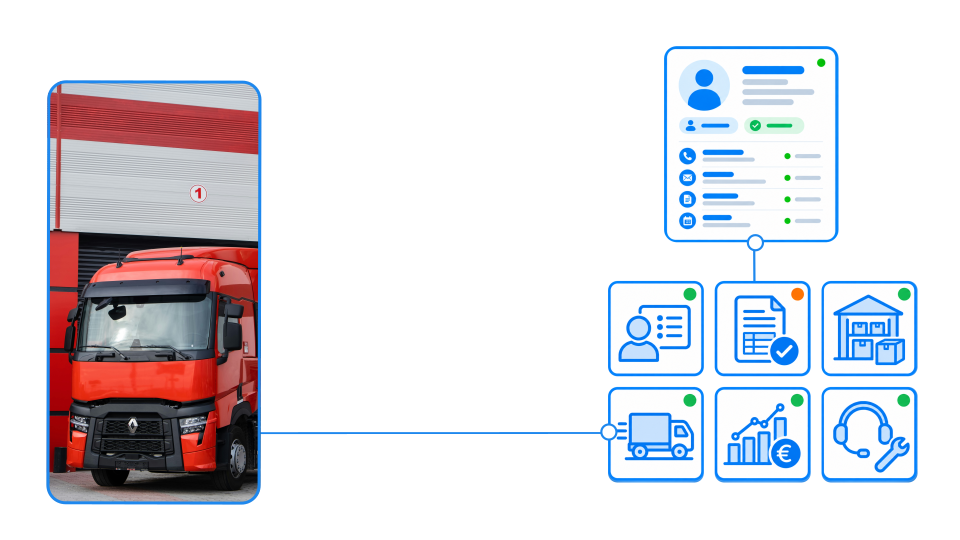
    SIX SalesFlow checks current stock availability and existing reservations through SIX StockFlow. If goods are missing, the order can create demand for purchasing through SIX PurchaseFlow or production through SIX ManufacturingFlow. Salespeople can follow progress and provide customers with more reliable delivery information.

  • What stages of the sales process does SIX SalesFlow cover?

    SIX SalesFlow connects the process from customer requirements, estimates, proposals and quotations through order intake, fulfillment, delivery, invoicing, payment status and follow-up. When connected with SIX CustomerFlow, the process can begin even earlier with lead acquisition, qualification and opportunity management.