SIX StockFlow®

Connected inventory—from goods receipt to final delivery.

SIX StockFlow connects purchasing, warehousing, inventory and fulfilment in one controlled process—from receiving and putaway to reservations, picking, packing and delivery. Keep accurate stock across locations, track batches and serial numbers, prevent shortages and give every team a live view of what is available, reserved, moving or ready to ship.

Understand and prepare for the practical caveats of EPR implementation and prepare for compliance around EPR, PPWR and DPP. Achieve real-world compliance before it is too late — January 15, 2027.

Every stock movement. One connected inventory.

Your teams should not have to chase stock levels, goods receipts, storage locations, reservations, batches, picklists and deliveries across separate systems. SIX StockFlow connects purchasing, warehousing, inventory, sales and fulfilment in one controlled process—giving everyone the same live view of what is available, reserved, moving or ready to ship.

Turn every goods movement into a controlled warehouse flow

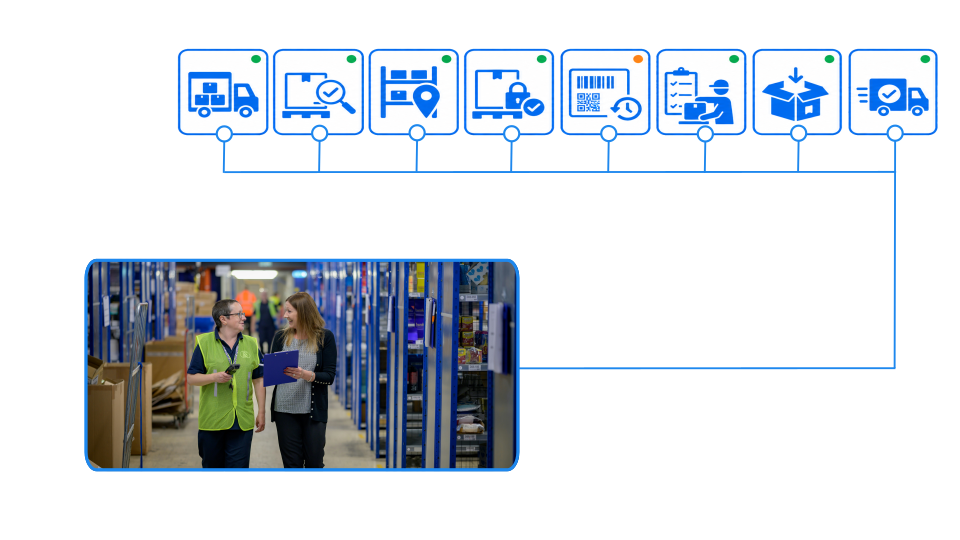
From the moment goods arrive, every team works with the same current information. Receive and inspect deliveries, assign storage locations, reserve stock, create picklists, track batches and serial numbers, and manage picking, packing and shipping in real time.

SIX StockFlow helps you reduce stock discrepancies, prevent shortages, improve picking accuracy and move every item smoothly from receipt and storage to production, customer fulfilment and final delivery.

Warehouse and Inventory Management

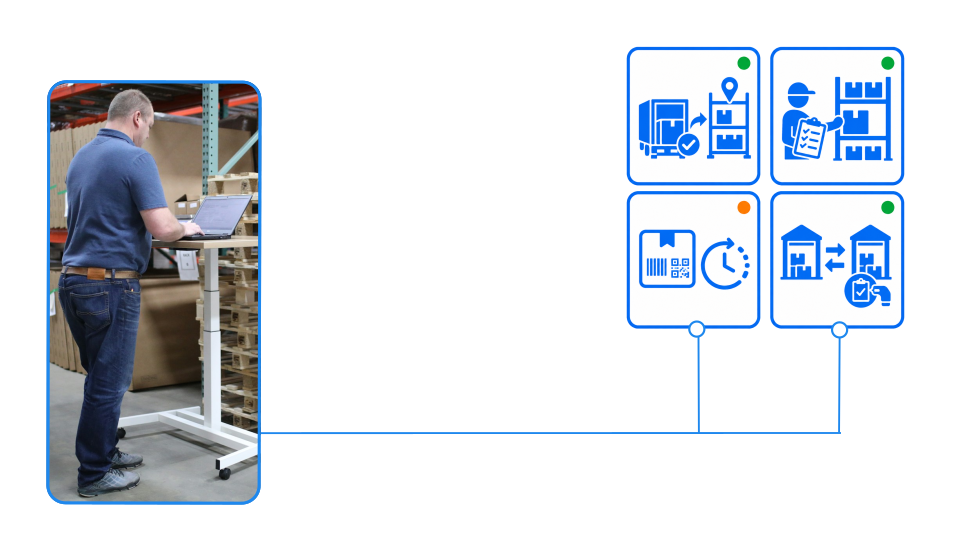
Receive and store every item correctly

Confirm deliveries, inspect quantities and quality, record batches or serial numbers, and assign the correct storage location. Give warehouse teams a structured process from goods receipt to final putaway.

Know exactly what is available - and where

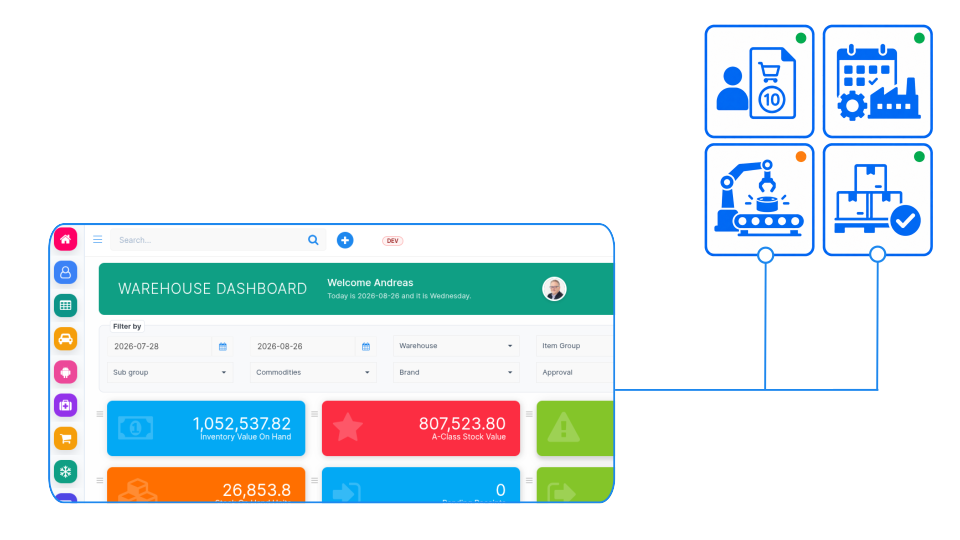
See physical, available, reserved, quarantined and moving stock across every warehouse and location. Give sales, purchasing, production and service teams one reliable view of inventory.

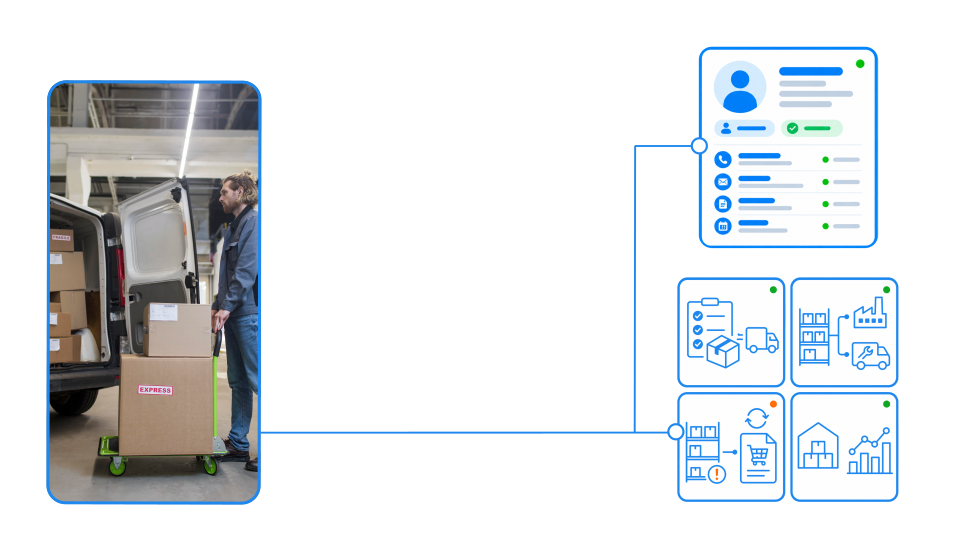
Pick, pack and ship with accuracy

Create structured picklists, guide warehouse employees to the correct item and location, and confirm quantities before packing and dispatch. Reduce picking errors and keep every order traceable.

Prevent shortages and keep stock moving

Connect inventory levels with purchasing, sales demand and manufacturing requirements. Use minimum-stock levels, reservations and replenishment alerts to order the right materials before they are needed.

How it works

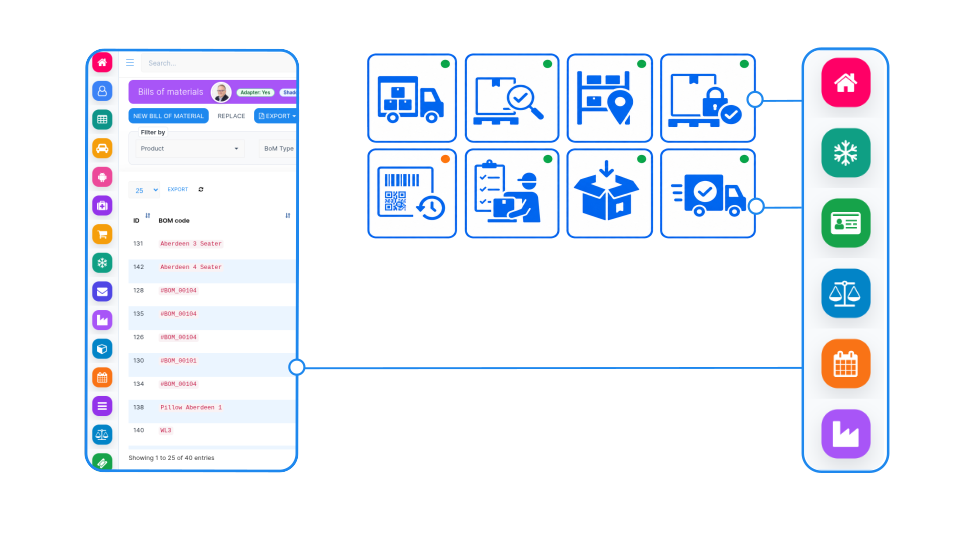
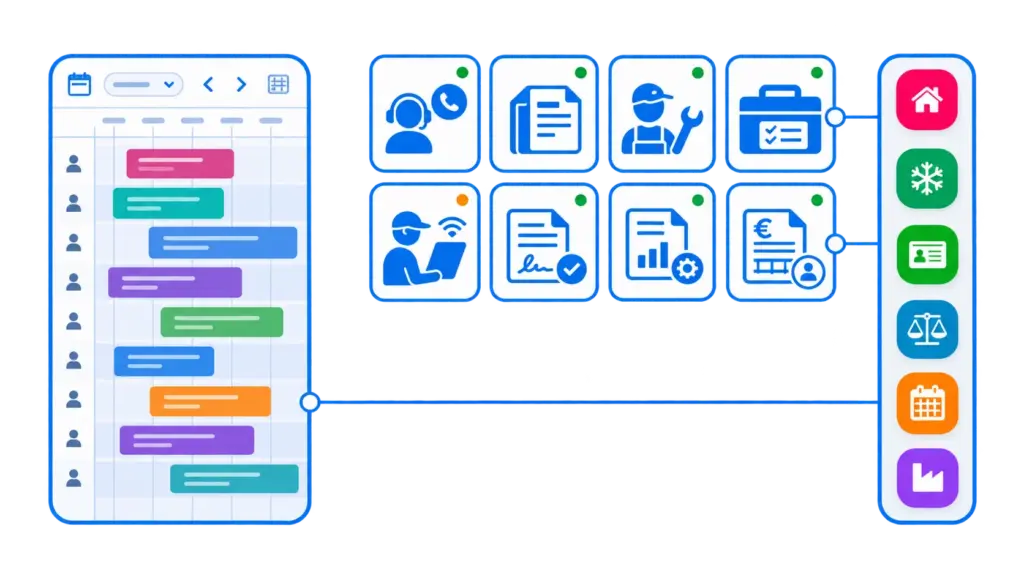
SIX StockFlow connects purchasing, warehouse operations, manufacturing, and sales in one continuous inventory process. Goods arrive through PurchaseFlow, are checked, recorded, and assigned to their warehouse locations. From that moment, stock quantities and availability are updated in real time. ManufacturingFlow uses this information to identify available raw materials, reserve components, and create picking requests for production. Finished goods are returned to StockFlow and made available for delivery or future orders. At the same time, SalesFlow checks available stock, reserves products for customer orders, and initiates picking, packing, and shipping. When materials or products are insufficient, StockFlow identifies shortages and connects with PurchaseFlow to initiate replenishment. Every movement is recorded, keeping inventory accurate and traceable across warehouses, production, purchasing, sales, and delivery. The result is one connected inventory flow, from supplier to warehouse, manufacturing, and ultimately the customer.

From goods receipt to accurate fulfilment

Connect every stage of inventory management—from receiving and inspection to putaway, reservations, transfers, picking, packing and delivery. SIX StockFlow keeps purchasing, warehouse, sales, manufacturing and service teams working from the same live stock information.

Control every item, location and movement in one system

SIX StockFlow supports multiple warehouses, storage zones and bin locations while clearly separating physical, available, reserved, quarantined and in-transit stock. Track batches, serial numbers, expiry dates and complete item histories across every movement.

Receive purchased goods, reserve materials for production, prepare customer picklists, transfer stock between locations and confirm packed quantities before dispatch. This gives your business accurate inventory, faster fulfilment and complete traceability from supplier receipt to final customer delivery.

Know what you have. Know where it is. Move it with confidence.

SIX StockFlow brings receipts, locations, reservations, picklists, transfers and deliveries into one precise inventory process. Give purchasing, warehouse, sales, production and service teams a reliable view of stock from the moment it arrives until it is consumed or shipped.

See What Is Truly Available

Separate physical stock from quantities that are available, reserved, quarantined, damaged or already in transit. Give every team an accurate answer before it promises, purchases or plans.

Control Every Warehouse and Location

Manage multiple warehouses, storage zones, shelves and bin locations in one system. See exactly where each item is stored and how quantities are distributed across the business.

Reserve Stock Where It Is Needed

Allocate inventory to customer orders, manufacturing orders, service jobs or internal requests. Prevent the same quantity from being promised to several teams at once.

Detect Shortages Before They Cause Delays

Monitor minimum levels, open demand, expected receipts and existing reservations. Identify critical items early and give purchasing time to replenish them.

Receive and Put Away Accurately

Confirm delivered quantities, inspect incoming goods and capture batches, serial numbers and expiry dates. Direct each item to the correct warehouse and storage location.

Create Controlled Picking Workflows

Turn sales, production and service demand into structured picklists. Guide employees to the correct item, location and quantity before packing, staging or internal issue.

Preserve Complete Item Traceability

Follow batches and serial numbers from supplier receipt through transfers, consumption and customer delivery. Maintain a clear history for quality, warranty and compliance purposes.

Manage Transfers, Counts and Adjustments

Move stock between locations, perform cycle counts and record losses, damage or corrections with clear reasons. Keep system quantities aligned with the physical warehouse.

Fulfil Customer Orders Without Delay

Check availability, reserve the required items and move confirmed quantities through picking, packing and shipment. Give sales and warehouse teams one coordinated order process.

Keep Production and Service Supplied

Reserve and issue materials for manufacturing orders or technician appointments. Make sure required parts are prepared before production starts or field employees leave.

Replenish Inventory at the Right Time

Connect actual stock, reservations and expected demand with purchasing. Create replenishment requirements before shortages interrupt sales, manufacturing or service.

Turn Stock Movements into Business Insight

Connect receipts, consumption, transfers and deliveries with inventory valuation, order costs and operational reporting. Understand how stock moves, where capital is held and which items require attention.

See other SIX ERP Resources

Learn how supplier performance scorecards turn purchasing, delivery, and quality data into better decisions. Explore key KPIs, weighted scoring, performance thresholds, and how connected ERP systems help reduce supplier risks, prevent production delays, and control purchasing costs.

Read More >
The Right ERP System Doesn't Always Come from the Biggest Vendor

Why in-depth business analysis, personal attention, and long-term partnership can matter more than a globally recognized brand.

Read More >
Manufacturing ERP: Turn Your Factory Into a Connected Business

Discover practical tips for a successful manufacturing ERP implementation, from choosing the right system and preparing accurate data to improving inventory control, production planning, and employee training. Learn how a structured ERP rollout connects factory operations, reduces costly errors, and helps manufacturers improve efficiency, traceability, and profitability.

Read More >

Understand the different types of Bill of Materials (BOM), from single-level and multi-level BOMs to configurable, phantom, engineering, and manufacturing BOMs. Learn how ERP systems manage product variants, material requirements, production planning, and costing while reducing errors and improving manufacturing efficiency.

Read More >

Industries

SIX StockFlow is a comprehensive Warehouse and Inventory Management solution designed for businesses that need accurate stock control, efficient material handling, and connected supply chain operations. From receiving goods and organizing warehouse locations to picking, packing, and shipping, StockFlow keeps inventory movements visible and traceable in real time. By connecting PurchaseFlow, ManufacturingFlow, and SalesFlow, businesses can coordinate material availability, production requirements, replenishment, and customer deliveries within one integrated system.

Field Services Industry Workflowss

Industries We Serve

Furniture & Industrial Manufacturing

Wholesale Distribution & Trading

Food, Beverage & Dairy Production

Retail, E-Commerce & POS

Automotive Parts & Machinery

Medical Devices & Healthcare Supplies

And many more industries, including electronics, construction materials, logistics, packaging, consumer goods, and businesses managing multiple warehouses or distribution centers.

Resources

From Goods Receipt to Final Delivery: Building Better Warehouse Operations with SIX StockFlow

Accurate inventory depends on more than knowing how many products are in stock. Discover how SIX StockFlow connects receiving, storage, reservations, picking, replenishment and delivery with purchasing, manufacturing and sales—creating faster warehouse operations, complete traceability and reliable stock information across the business.

Frequently Asked Questions

Solutions StockFlow Frequently Asked Questions

  • What is SIX StockFlow?

    SIX StockFlow is the inventory and warehouse part of SIX ERP. It connects purchasing, warehousing, inventory and fulfilment in one controlled process, from receiving and putaway to reservations, picking, packing and delivery. Every team works from the same live view of what is available, reserved, moving or ready to ship.

  • How does a company move from Excel to an ERP warehouse system?

    A typical move has four steps:

    1. Define items, units, warehouses and locations.
    2. Load opening stock from the spreadsheet.
    3. Run a physical count to confirm the opening balances.
    4. Switch daily receipts, sales and transfers to the system.

    SIX supports this with pre-integration consulting, configuration around how your warehouse works, and post-integration support.

  • How does SIX StockFlow help reduce excess stock and tied-up capital?

    It connects receipts, consumption, transfers and deliveries with inventory valuation and order costs, so you can see which items hold capital and which move slowly. Minimum levels and replenishment alerts help avoid both shortages and over-ordering. For the method behind this, see the SIX guide to ABC inventory analysis.

  • How does SIX StockFlow handle goods receipt and putaway?

    You confirm delivered quantities, inspect incoming goods and record batches, serial numbers and expiry dates. Each item is then directed to the correct warehouse and storage location, so the warehouse team follows a structured process from goods receipt to final putaway.

  • Can SIX StockFlow be used with multiple warehouses and different stock owners or companies?

    Multiple warehouses, zones, shelves and bin locations are supported, with transfers tracked between them.

  • How does SIX StockFlow help with stocktaking and inventory counts?

    Staff can run cycle counts without stopping the whole warehouse. Differences against system quantities are recorded as adjustments with a reason such as loss, damage or correction, so the audit trail stays clear. This keeps system stock aligned with the physical warehouse.

  • Can SIX StockFlow support barcode scanning in the warehouse?

    Yes. Warehouse employees can scan items to confirm receipts, picks and counts, which reduces manual entry errors.

  • Can SIX StockFlow reserve materials for production orders?

    Yes. Inventory can be allocated to manufacturing orders so that required materials are held for production and are not promised to a customer order. Shortages against reserved demand are visible early, which gives purchasing time to order.

  • Which ERP is suitable for a mid-size furniture company that needs to track stock?

    A furniture manufacturer needs stock control for raw materials, components and finished goods in one system, linked to production and purchasing. SIX StockFlow tracks stock across warehouses and locations, reserves materials for manufacturing orders, shows shortages against demand and expected receipts, and triggers replenishment before production stops. Combined with SIX ManufacturingFlow, it covers the full flow from materials to delivery.

  • Is SIX ERP suitable for a small business that wants to connect its warehouse and sales?

    Yes. In SIX ERP the sales team sees available stock before promising an order, reserves the items, and the warehouse receives the picklist from the same order. Stock status updates at each step, which reduces overselling and manual re-entry.

  • Which ERP vendor in Bulgaria can implement warehouse software for a retail business?

    SIX MS Ltd, the Bulgarian company behind SIX ERP (operating since 2009), provides SIX StockFlow together with consulting, implementation and support. StockFlow connects the warehouse with sales, purchasing and finance, so a shop and its warehouse run from the same stock data. Request a demo at https://six.ms/book-appointment/ and describe your warehouse process. 

  • Can SIX ERP replace Excel for a shop and warehouse?

    Yes. SIX StockFlow replaces stock spreadsheets with one live inventory record. Receipts, storage locations, reservations, picklists, transfers, counts and deliveries are entered once and shared by purchasing, sales and the warehouse. Stock quantities update as goods move, so nobody reconciles separate files at the end of the week. All data can be imported from EXCELL to deliver a starting base of data without creating items, vendors or starting quantities from scratch.

  • Which stock statuses can SIX StockFlow show?

    SIX StockFlow shows physical, available, reserved, quarantined and moving stock across every warehouse and location. Damaged and in-transit quantities are also kept separate from available stock.

  • How does stock reservation work?

    Inventory can be allocated to customer orders, manufacturing orders, service jobs or internal requests. This prevents the same quantity from being promised to several teams at once.

  • How does SIX StockFlow help prevent shortages?

    It monitors minimum levels, open demand, expected receipts and existing reservations, and connects inventory with purchasing, sales demand and manufacturing requirements. Minimum-stock levels, reservations and replenishment alerts help identify critical items early, so purchasing has time to replenish them.

  • Can SIX StockFlow create replenishment requirements?

    Yes. Actual stock, reservations and expected demand are connected with purchasing, so replenishment requirements can be created before shortages interrupt sales, manufacturing or service.

  • How are stock transfers, cycle counts and adjustments managed?

    You can move stock between locations, perform cycle counts and record losses, damage or corrections with clear reasons. This keeps system quantities aligned with the physical warehouse.

  • How does SIX StockFlow support order fulfilment?

    Teams check availability, reserve the required items and move confirmed quantities through picking, packing and shipment. Sales and warehouse teams work in one coordinated order process, and quantities are confirmed before packing and dispatch.

  • Can SIX StockFlow supply materials for production and field service?

    Yes. Materials can be reserved and issued for manufacturing orders or technician appointments, so the required parts are prepared before production starts or field employees leave.

  • How does SIX StockFlow connect inventory with purchasing, sales and manufacturing?

    Receipts, reservations, picklists, transfers and deliveries live in one inventory process. Purchasing, warehouse, sales, production and service teams therefore see the same stock information, from the moment goods arrive until they are consumed or shipped.

  • Does SIX StockFlow provide inventory reporting?

    It connects receipts, consumption, transfers and deliveries with inventory valuation, order costs and operational reporting. This helps you understand how stock moves, where capital is held and which items require attention.

  • How can I see SIX StockFlow in action?

    and describe your warehouse process, so a SIX specialist can show how StockFlow fits it.

  • Can SIX StockFlow manage multiple warehouses and storage locations?

    Yes. SIX StockFlow supports multiple warehouses, zones, shelves and bin locations. You can see exactly where each item is stored and track transfers between locations without losing visibility or traceability.

  • How does SIX StockFlow calculate available inventory?

    SIX StockFlow separates physical stock from quantities that are reserved, quarantined, damaged or already in transit. This gives sales, purchasing, manufacturing and service teams a reliable view of what can actually be promised or used.

  • Does SIX StockFlow support batches, serial numbers and expiry dates?

    Yes. Items can be tracked by batch, serial number and expiry date from supplier receipt through storage, transfers, production or service consumption, and final customer delivery. This creates a complete history for quality, warranty and compliance purposes.

  • How does SIX StockFlow improve picking and fulfilment?

    SIX StockFlow converts sales, manufacturing and service requirements into structured picklists. Warehouse employees are guided to the correct item, location and quantity, helping reduce errors while keeping picking, packing, staging and shipment connected to the original demand.