




A detailed comparison A detailed comparison of six ERP platforms—and why SIX ERP earns the top-of-breed position for companies that want one connected, managed, and

Understand and prepare for the practical caveats of EPR implementation and prepare for compliance around EPR, PPWR and DPP. Achieve real-world compliance before it is too late — January 15, 2027.
Your service team should not have to chase job details, customer history, technician availability, spare parts and paperwork across separate systems. SIX ServiceFlow brings requests, appointments, assets, work orders, parts, time, signatures and invoices into one connected service process.

From the moment a customer reports an issue, everyone works from the same current information. Dispatch the right technician, prepare the required parts, record work on site and complete the job with a customer signature—while the office sees progress in real time.
SIX ServiceFlow helps you respond faster, reduce repeat visits and turn completed work into accurate billing without unnecessary administration.

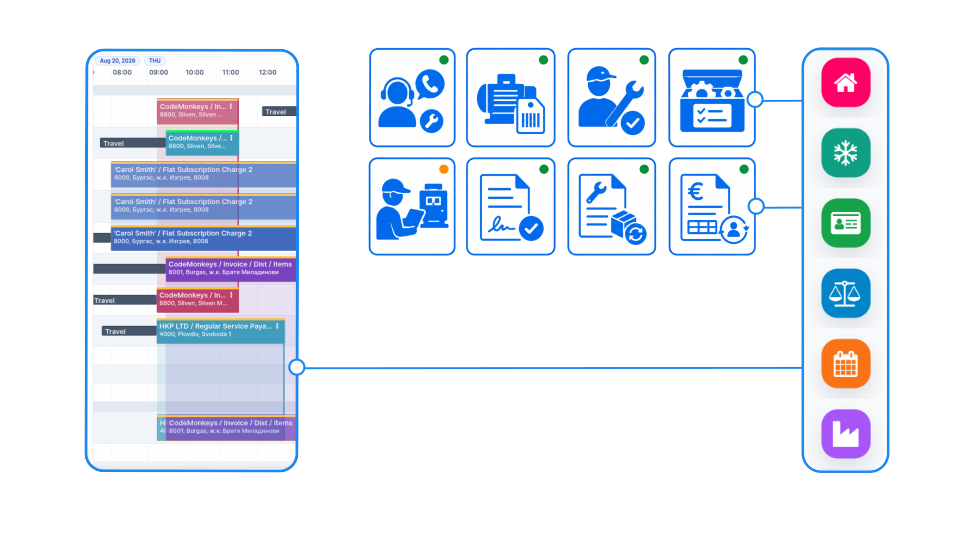
Match jobs with the right skills, availability and location. Your dispatch team can assign work with confidence and give customers a clear appointment.
Give technicians the customer history, asset details, job instructions and required parts before they leave—so they arrive ready to resolve the issue.
Record time, materials, checklists, photos and customer signatures directly from the job. Keep a complete, traceable service record without paper forms.
Turn confirmed work, used parts and agreed service charges into accurate billing. Reduce manual handovers between field teams, operations and finance.
Connect every stage of field service—from customer request and technician assignment to mobile execution, parts consumption, customer approval, and invoicing. SIX ServiceFlow keeps the office, technician, warehouse, and customer working from the same live information.

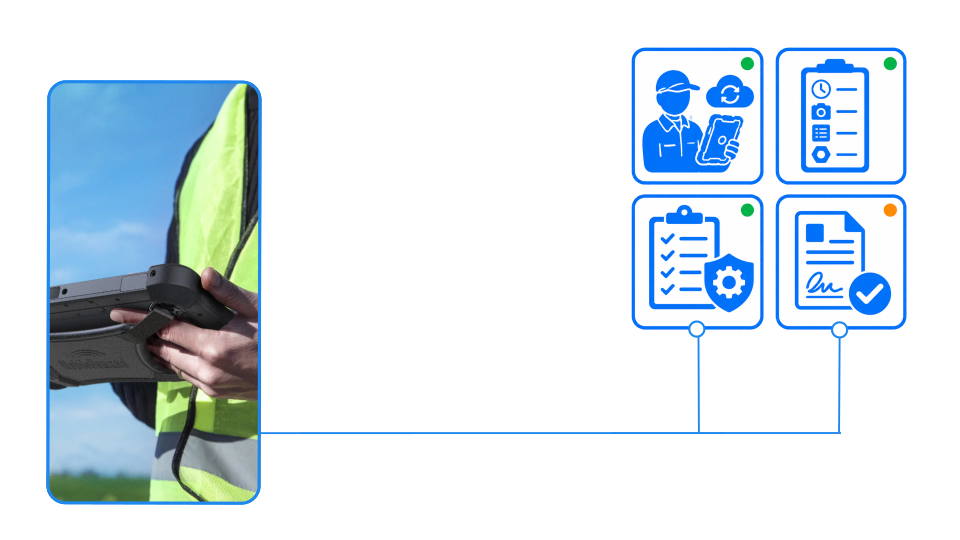
SIX ServiceFlow gives field technicians everything they need before and during the visit: customer and asset history, service instructions, required skills, documents, checklists, spare parts, warranties, and previous repairs. From their mobile device, they can record work, time, materials, photos, notes, and customer signatures—even while working away from the office.
Completed work updates the central system immediately. Used parts adjust inventory, follow-up tasks can be created, service records remain attached to the asset, and approved work can proceed directly to invoicing.
Plan intelligently, support technicians in the field, and turn every completed service job into accurate records, inventory movements, and invoices.

Match each job with technicians based on skills, qualifications, availability, location, and required equipment.
Coordinate service windows, travel times, priorities, dependencies, and emergency assignments in one schedule.
Provide technicians with the customer history, asset details, reported problem, instructions, and required spare parts.
Reassign urgent jobs and adjust schedules when appointments change, technicians become unavailable, or additional work is required.

Technicians can access assigned jobs, customer details, asset history, instructions, checklists, and documents from a mobile device.
Capture working time, travel time, diagnoses, completed activities, measurements, photos, notes, and used materials directly on site.
Guide technicians through service checklists, safety requirements, maintenance routines, and quality-control steps.
Generate the service report and collect the customer’s digital signature before the technician leaves.

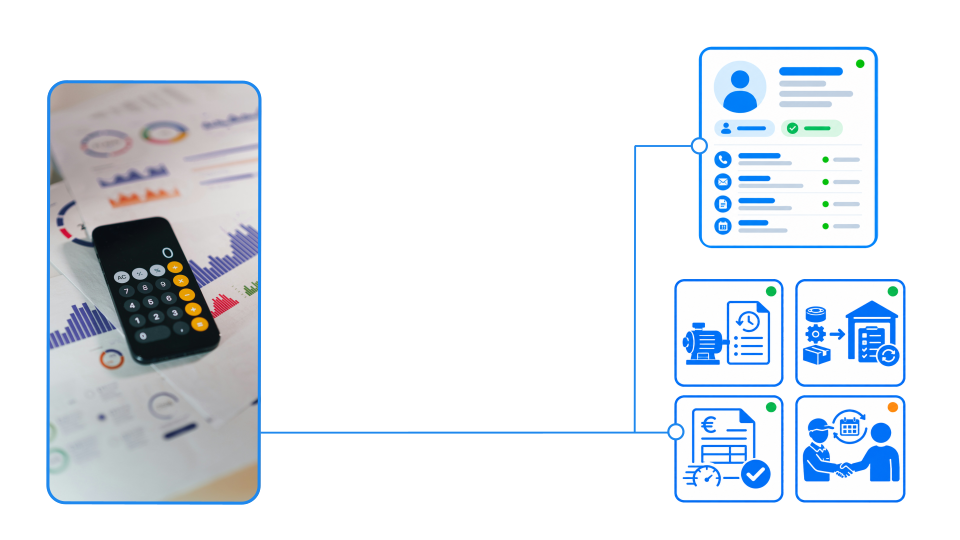
Every inspection, repair, replacement, measurement, and technician comment becomes part of the customer asset’s service record.
Record spare-part consumption against the job and update vehicle, technician, and central warehouse stock.
Transfer approved labour, travel, materials, and service charges directly into invoicing without entering information twice.
Manage warranties, service agreements, recurring maintenance, follow-up activities, and future service opportunities from one platform.

A detailed comparison A detailed comparison of six ERP platforms—and why SIX ERP earns the top-of-breed position for companies that want one connected, managed, and

Managing ERP Transformation with Confidence Many companies begin with spreadsheets. This is normal. A spreadsheet is quick, familiar, and easy to change. It can track

How SIX SalesFlow Turns Demand into Revenue A successful sale does not begin with an order and end with an invoice. It begins when a

Managing Finance with SIX FinanceFlow Financial management is not limited to issuing invoices or checking a bank balance. It is the process of understanding where

Learn how to use SIX ServiceFlow to connect customers, dispatchers, qualified technicians, equipment, spare parts and financial processes—creating faster, safer and more profitable field-service operations.
ServiceFlow
Download the 2-minute ServiceFlow presentation and discover how it connects the processes, information, and teams that keep your business moving.
SIX ServiceFlow matches each service request with technician availability, location, workload, technical skills, machine knowledge, manufacturer experience and valid certifications. Dispatchers receive suitable recommendations while remaining in full control of the final assignment.
Yes. Technicians can access customer and equipment information, review service history, follow checklists, record working and travel time, add photographs, use spare parts, document repairs and collect the customer’s digital signature—all directly from the field.
The system can verify qualifications, certifications, safety instructions and customer-specific authorisations before a technician is assigned. Mandatory checklists, timestamps, service records, photographs and digital approvals create a clear audit trail for quality management, warranty control and compliance reviews.
The completed service record can automatically update inventory, record consumed parts and labour, generate a service report, prepare an invoice, document warranty work and create follow-up tasks or maintenance appointments. This connects field execution directly with the wider SIX ERP business process.