



Integration, Configuration & Customization

From a clear transformation roadmap to an ERP built around your business.

Turn a clear transformation plan into an ERP solution built around the way your business works. Guided by the SIX 7-Step Consultation Flow—from setting direction and mapping current processes to preparing data, integrations, delivery, and adoption—we configure, connect, and customize SIX ERP with purpose. The result is a scalable system that simplifies daily work, reduces risk, and supports lasting growth.

Understand and prepare for the practical caveats of EPR implementation and prepare for compliance around EPR, PPWR and DPP. Achieve real-world compliance before it is too late — January 15, 2027.

Built around your business. Ready for what comes next.

Your ERP should not force your business into a rigid template. Guided by the SIX 7-Step Consultation Flow, we turn approved processes, data requirements, and integration needs into a practical solution—configured for your teams and ready to support daily work from the start.

Connect, configure, and customize with purpose

Configuration defines how roles, workflows, approvals, and controls operate inside SIX ERP. Integration connects the systems, machines, portals, and data sources your business still needs. Where standard functions are not enough, focused customization closes the gap without creating unnecessary complexity.

Configure the right foundation

Turn approved workflows into clear roles, permissions, approvals, rules, and system settings. Every configuration follows the business requirements defined through the SIX 7-Step Consultation Flow.

Connect systems and data

Integrate SIX ERP with accounting platforms, machines, portals, online services, and existing business tools. Information moves securely between systems without repeated entry or disconnected records.

Customize to create value

Extend standard functionality when your processes require something specific. Each customization solves a defined business need while protecting usability, performance, and future system updates.

Test, launch, and improve

Validate complete workflows with real business scenarios before go-live. After launch, SIX supports adoption, monitors results, and improves the solution as your needs continue to evolve.

Keep what works. Connect what matters.

A new ERP should not force you to replace every useful system at once. SIX connects the tools your business still needs and brings their data into one controlled operating flow.

One connected flow across your business

SIX integrates accounting platforms, online shops, supplier portals, machines, barcode devices, payment services, and other specialist tools. Information moves automatically between systems, giving every team current data while reducing repeated entry, errors, and delays. Each connection is planned, tested, and documented to support reliable daily work.

Connect. Configure. Customize. Without losing control.

SIX turns the requirements defined through the 7-Step Consultation Flow into a working ERP solution. We connect your technology landscape, configure the system around real processes, and add focused customizations where they create clear business value.

Map systems and data ownership

Identify every application, machine, portal, database, and external service that must connect with SIX ERP. Define which system owns each type of information and where updates should begin.

Design secure data flows

Specify what data moves, when it moves, and how it is validated. Plan APIs, authentication, error handling, synchronization rules, and protection for sensitive business information.

Build and connect

Connect accounting platforms, online shops, supplier portals, payment services, production equipment, barcode devices, and specialist applications without disrupting daily operations.

Test, monitor, and support

Test normal cases, failures, duplicate records, and unavailable services before launch. Monitor every connection after go-live so problems can be identified and corrected quickly.

Establish the business structure

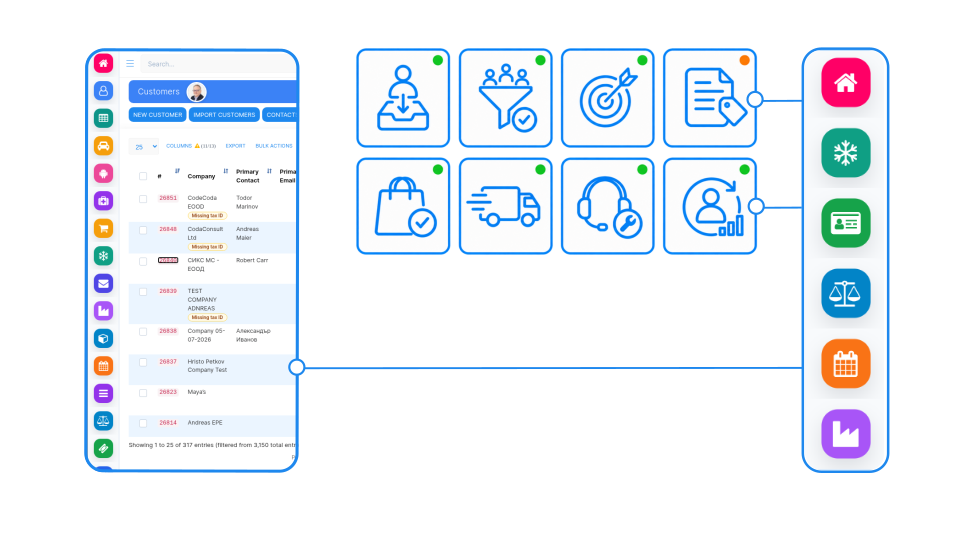
Configure companies, locations, departments, warehouses, currencies, tax settings, document types, and master data to create the correct operational foundation.

Define roles and approvals

Give each user the right access, responsibilities, and approval limits. Clear permissions protect sensitive data while allowing teams to complete their work without unnecessary barriers.

Configure workflows and controls

Set statuses, notifications, validation rules, automations, reports, and management dashboards around the way your business operates and measures performance.

Validate with real scenarios

Test complete processes with key users—from the first request through delivery, invoicing, and reporting. Adjust the configuration before teams begin working in the live system.

Confirm the business value

Review each requested customization against its cost, benefit, risk, and long-term importance. Extend the system only where standard functions cannot meet a real business requirement.

Design the right extension

Define how the customization should behave, who will use it, which data it needs, and how it connects with existing SIX ERP workflows and controls.

Build and test with users

Develop the extension in a controlled environment. Test it with realistic data and involve the employees who will depend on it during daily work.

Deploy, document, and maintain

Release the customization safely, document how it works, and include it in future testing and update planning. This protects reliability as SIX ERP and your business continue to evolve.

See other SIX ERP Resources

Learn how to calculate the inventory turnover ratio, understand what the result means, and use it to make better inventory decisions.

Read More >
EPR Sustainability for Manufacturers in the EU

A sustainability and compliance guide for manufacturers and importers

Read More >

Learn what an ERP system is, how ERP software connects sales, finance, inventory and production, and how to choose and implement the right solution for your business.

Read More >
Bulgarian DPP, DPR, EPR, PPWR, and NIS2 Legislation: What Businesses Need to Know - Bulgarian DPP DPR EPR PPWR NIS2 legislation

A practical guide to Bulgarian compliance with DPP, EPR, PPWR and NIS2—covering product data, packaging, cybersecurity and business readiness.

Read More >

Let’s define your next step.

Tell us where you are in your ERP journey—planning, implementation, or ongoing support. Our consultants will help you identify the right service path and explain what the next stage should involve.

Frequently asked questions

What is included in SIX Integration, Configuration, and Customization services?

SIX turns the requirements defined through the 7-Step Consultation Flow into a working ERP solution. This includes system configuration, data migration, user roles, workflows, reports, integrations, testing, documentation, training support, and focused custom development where required.

Configuration uses existing SIX ERP functions and settings to match your structure, roles, approvals, workflows, and business rules. Customization adds or changes functionality when a specific requirement cannot be met through standard configuration alone.

Yes. SIX can connect with accounting platforms, online shops, supplier portals, payment services, databases, production equipment, barcode devices, and other specialist applications. Each integration is reviewed for technical feasibility, data ownership, security, and reliability before development begins.

Every connection and customization is tested, documented, and included in future maintenance planning. SIX monitors critical data flows, responds to errors, and verifies compatibility during system updates so your solution remains stable as your business and technology landscape evolve.