

ERP for Enterprise & Corporate

One ERP for groups, sites, and teams that need the same numbers, the same process, and one version of the truth.

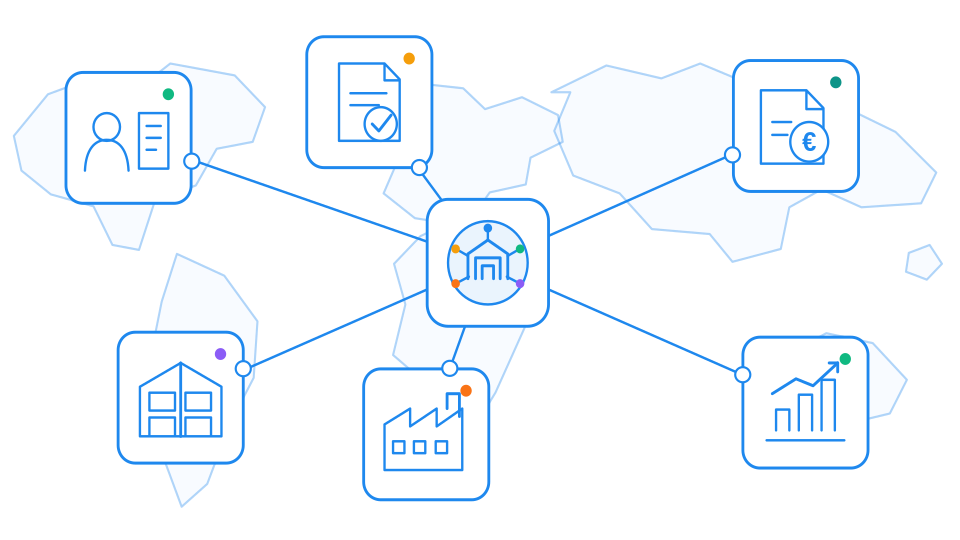
SIX ERP gives enterprise and corporate organizations a connected operating system for sales, purchasing, inventory, projects, service, finance, and people. Standardize how work is done across companies and locations, keep approvals and data in one place, and give leadership live visibility without stitching together disconnected tools. Start with the functions you run today and extend the same platform as the group grows.

Understand and prepare for the practical caveats of EPR implementation and prepare for compliance around EPR, PPWR and DPP. Achieve real-world compliance before it is too late — January 15, 2027.

Corporate control. Business-ready simplicity.

SIX ERP gives corporate and growing businesses the connected tools, performance, and control they need—without the complexity of traditional enterprise software. The platform adapts to group and company workflows, connects every team, and is fully managed by SIX so you can focus on customers, operations, and growth.

One connected business across companies and workflows

Start with the processes that run the organization today—CRM, sales, purchasing, inventory, projects, finance, HR, manufacturing, or field service—and expand without changing platforms. Every module shares the same data, so teams, sites, and subsidiaries work from one operational picture. Approvals, handovers, and reporting stay connected end to end, while SIX manages the technology behind it.

Fully managed cloud ERP

SIX manages hosting, infrastructure, updates, backups, and system maintenance. Corporate and business teams get a reliable operating platform without building and staffing a dedicated internal ERP function.

Clear and predictable costs

Transparent licensing supports group planning and budgeting. Add users, companies, and capabilities as the organization grows—without assembling a patchwork of separate tools and contracts.

Built around your workflows

Configure SIX ERP around how the group and each company actually operate. Add integrations and focused custom features where they create value, without making day-to-day work harder.

Private and compliant

Every SIX ERP client runs in a separate, isolated instance. That gives clear data separation, stronger control across entities, and room to scale the system as the business develops.

Control every company. Keep every decision connected.

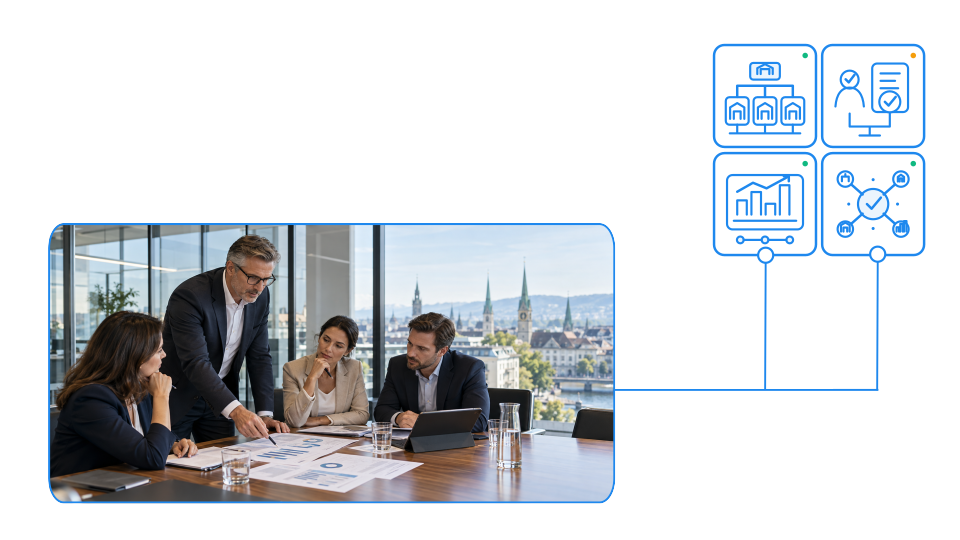
As organizations grow, responsibility becomes distributed across companies, locations, departments, warehouses, and management teams. SIX ERP gives you one controlled operating foundation for the entire organization—while allowing each entity and team to work according to its own responsibilities, approvals, and local requirements.

One management view. Clear responsibility everywhere.

  • Structure companies, branches, departments, warehouses, currencies, and operating responsibilities within one managed SIX ERP environment.
  • Define roles, approval limits, document permissions, and workflows so every person can act with the right level of authority.
  • Bring operational and financial information together across sales, purchasing, inventory, projects, service, manufacturing, people, and finance.
  • Compare performance across entities and locations while preserving the detail needed to understand individual transactions and responsibilities.
  • Connect existing accounting platforms, specialist applications, online channels, and local systems without losing control of the underlying data.
  • Expand into new companies, sites, users, workflows, and reporting requirements without rebuilding the operating foundation.

Control the enterprise without slowing it down.

Larger organizations need more than connected modules. They need a clear operating model across companies, locations, departments, and responsibilities. SIX ERP gives leadership the structure, governance, security, and continuity required to manage complexity while allowing each team to work effectively.

Govern the complete corporate structure

Manage companies, branches, locations, departments, warehouses, and operating units within one controlled SIX ERP environment. Define how information, responsibilities, approvals, and reporting flow across the group.

Set authority and accountability

Configure roles, permissions, approval limits, segregation of duties, and escalation paths around corporate policy. Every action remains associated with the responsible user, department, company, and business process.

Consolidate without losing detail

Give executives a group-wide view of performance while preserving the transaction-level detail required by local companies and operational teams. Compare entities, locations, cost centers, projects, and business units from one consistent information base.

Make decisions from one operational truth

Bring commercial, operational, financial, workforce, inventory, service, and manufacturing information together. Leadership can act on current, traceable information instead of reconciling conflicting reports from separate systems.

Protect data by design

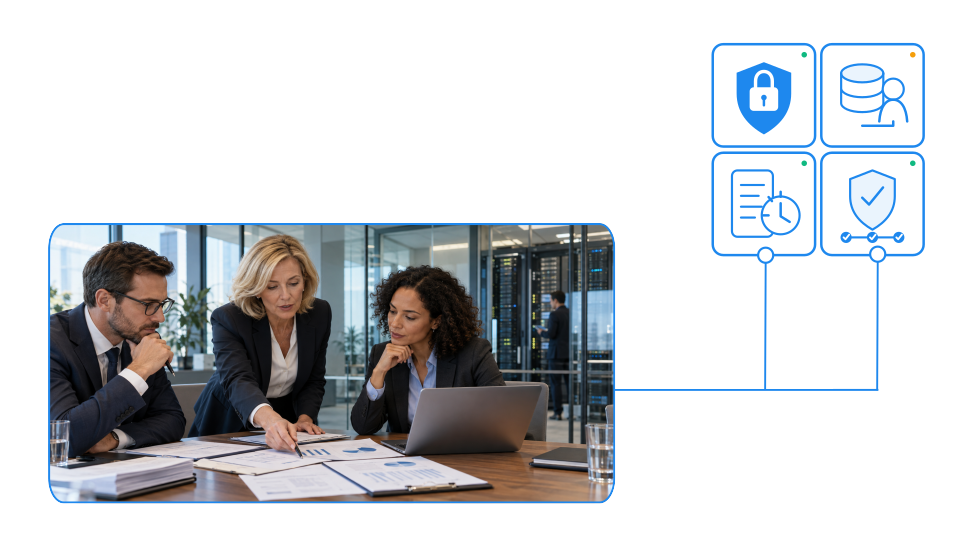
Each client operates in a separate, managed SIX ERP environment with controlled access to business information. Permissions, company boundaries, and responsibilities can be configured to reflect the structure of the organization.

Control data ownership

Define which system owns each record and how information may be created, changed, transferred, or approved. Clear ownership reduces duplication, conflicting versions, and uncontrolled changes across connected applications.

Maintain a complete audit trail

Track important changes to records, documents, approvals, responsibilities, and transactions. Traceability helps management investigate issues, demonstrate accountability, and support internal and external audits.

Apply policy consistently

Standardize approval rules, document controls, validation requirements, retention practices, and operational procedures across the group. Local flexibility can be maintained without weakening corporate governance.

Keep critical operations running

Design processes around dependable workflows, managed infrastructure, backups, monitoring, and controlled system maintenance. Teams retain access to the information required to continue serving customers and operating the business.

Recover with confidence

Define recovery responsibilities, escalation procedures, data protection requirements, and continuity priorities before disruption occurs. A structured approach helps the organization respond consistently when systems, people, suppliers, or locations are affected.

Expand without creating fragmentation

Add companies, sites, warehouses, teams, workflows, integrations, and reporting structures without rebuilding the operating foundation. New business units can adopt a governed model while preserving the flexibility required for local operations.

Change at the pace of the organization

Support reorganizations, acquisitions, new markets, regulatory requirements, and evolving operating models through controlled configuration and focused extensions. SIX ERP can adapt as the organization changes without turning every change into a separate system project.

See how customers are succeeding with SIX ERP

AI Powered ERP: What It Does and Where It Helps

AI-powered ERP brings intelligence into the workflows where business decisions happen. Discover how SIX ERP applies AI to document processing, proposal drafting, forecasting, and risk detection across finance, sales, purchasing, inventory, manufacturing, and service, helping teams work faster while keeping people in control.

Read More >

Supply Chain Resilience: How to Stress-Test Operations

Discover how to build a resilient supply chain by identifying critical materials, stress-testing supplier disruptions, and preparing effective recovery strategies. Learn how connected ERP processes, alternative suppliers, inventory visibility, and resilience KPIs help manufacturers reduce operational risks, prevent production interruptions, and protect customer commitments without increasing unnecessary stock.

Read More >

Resources

ERP Comparison: Which Solution Fits Your Business?

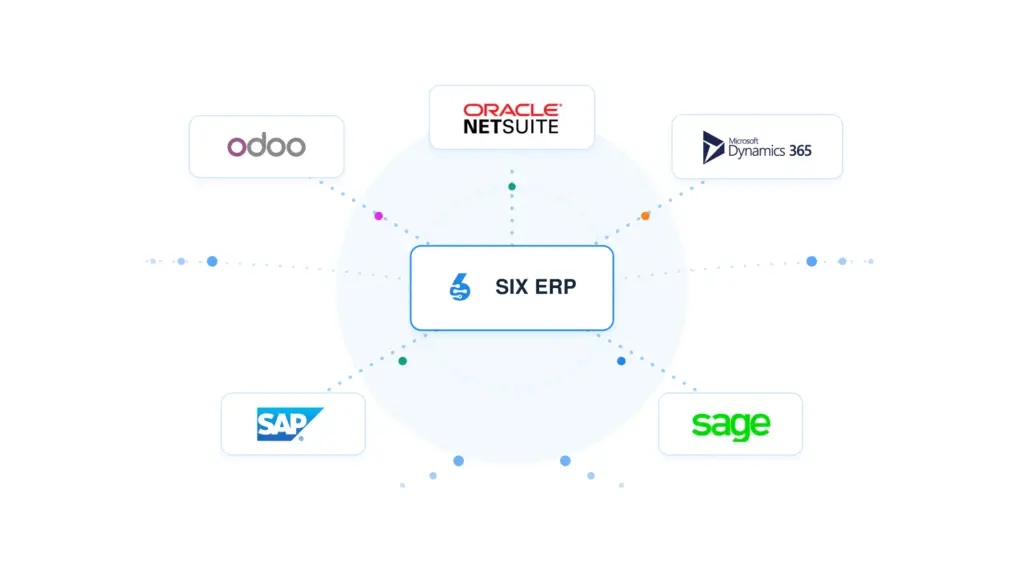
Compare SIX ERP with Odoo, Oracle NetSuite, Microsoft Dynamics 365, SAP, and Sage across licensing, users, modules, scalability, customization, upgrades, support, and business continuity. Understand the strengths, limitations, and long-term trade-offs that matter before choosing your next ERP platform.

Frequently Asked Questions

Enterprise Industry Solutions

  • What is SIX ERP for enterprise and corporate organizations?

    SIX ERP is a connected, fully managed cloud ERP for groups, sites and teams that need the same numbers, the same processes and one version of the truth. It connects sales, purchasing, inventory, projects, service, finance and people in one platform, so leadership gets live visibility without stitching together disconnected tools.

  • Can we start with a few processes and expand later?

    Yes. Start with the processes that run the organization today, such as CRM, sales, purchasing, inventory, projects, finance, HR, manufacturing or field service. Add more as the group grows, without changing platforms. All modules share the same data, so approvals, handovers and reporting stay connected end to end.

  • Who manages hosting, updates and backups?

    SIX does. SIX manages hosting, infrastructure, updates, backups and system maintenance. Your organization gets a reliable operating platform without building and staffing a dedicated internal ERP function.

  • How are licensing costs structured for a growing group?

    SIX ERP uses transparent licensing, which supports group planning and budgeting. You can add users, companies and capabilities as the organization grows, without assembling a patchwork of separate tools and contracts. 

  • Can SIX ERP consolidate group reporting without losing transaction detail?

    Yes. Executives get a group-wide view of performance, and local companies and operational teams keep the transaction-level detail they need. You can compare entities, locations, cost centers, projects and business units from one consistent information base.

  • How does SIX ERP control who can approve or change data?

    You configure roles, permissions, approval limits, segregation of duties and escalation paths around corporate policy. Every action stays associated with the responsible user, department, company and business process. Approval rules, document controls, validation requirements and retention practices can be standardized across the group, while local flexibility is kept.

  • Does SIX ERP keep an audit trail?

    Yes. SIX ERP tracks important changes to records, documents, approvals, responsibilities and transactions. This traceability helps management investigate issues, demonstrate accountability and support internal and external audits.

  • Can SIX ERP work with our existing accounting platform and other systems?

    Yes. You can connect existing accounting platforms, specialist applications, online channels and local systems without losing control of the underlying data. You also define which system owns each record and how information may be created, changed, transferred or approved, which reduces duplication and conflicting versions.

  • Can SIX ERP be configured around our group’s workflows?

    Yes. SIX ERP is configured around how the group and each company actually operate. Integrations and focused custom features are added where they create value, without making day-to-day work harder.

  • Is our data separated from other SIX ERP clients?

    Yes. Every SIX ERP client runs in a separate, isolated instance. This gives clear data separation, stronger control across entities and room to scale as the business develops.

  • How does an enterprise implementation start?

    It starts with the SIX 7-Step Consultation Flow, which helps define the required structure, data ownership, integrations, configuration and change priorities before implementation. During implementation, continuity priorities can be mapped for critical processes such as customer service, purchasing, inventory, manufacturing, field service, finance and reporting. A typical implementation normally lasts from 3 month up to challenging cases which can take 9-12 months.