



SIX AIFlow®

SIX AIFlow brings practical intelligence into the workflows your teams use every day.

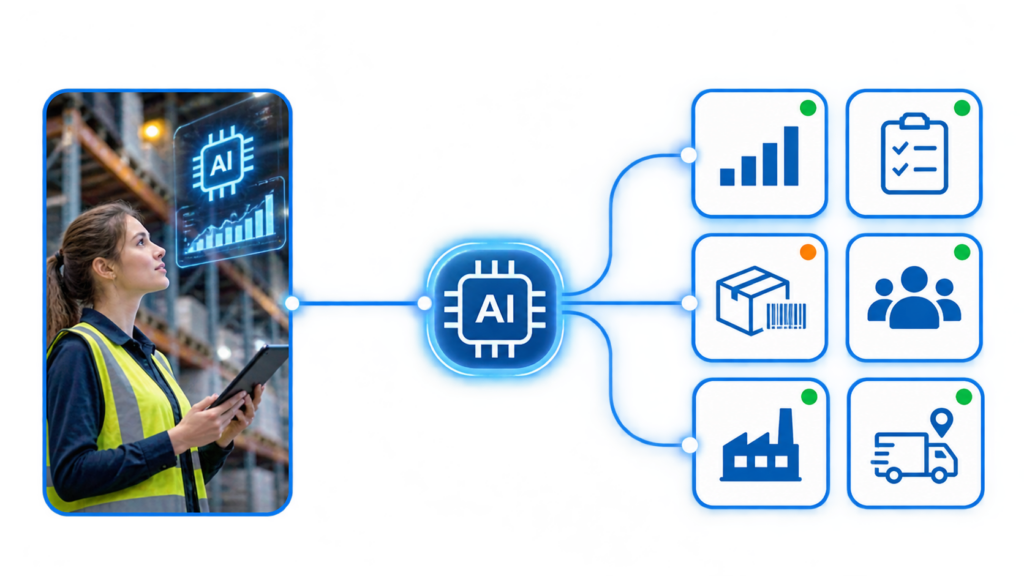
SIX AIFlow connects AI with the business information and rules inside SIX ERP. It can analyze activity, identify patterns and risks, explain results, and prepare recommendations or draft actions. Your team reviews important decisions and approves actions according to clear business rules.

Understand and prepare for the practical caveats of EPR implementation and prepare for compliance around EPR, PPWR and DPP. Achieve real-world compliance before it is too late — January 15, 2027.

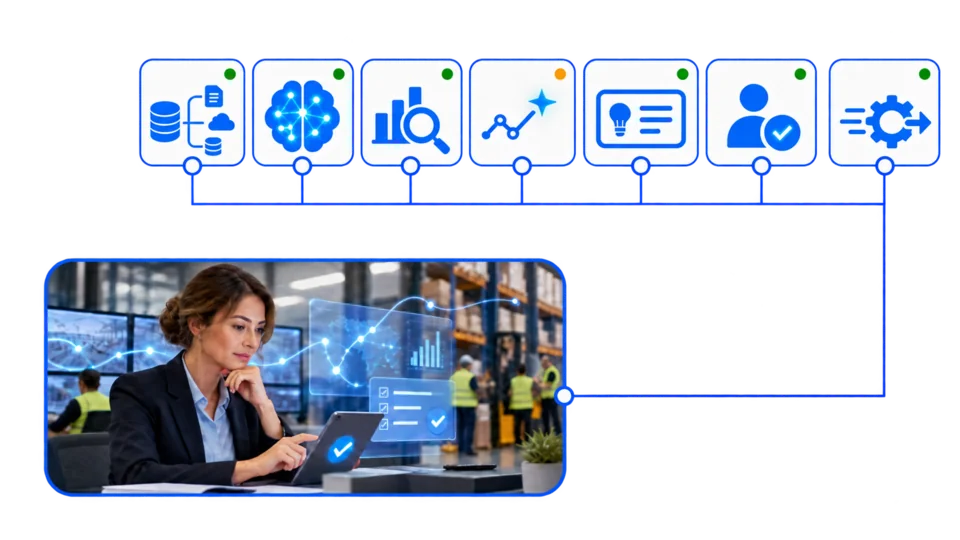
Turn business data into useful intelligence

SIX ERP holds information about orders, customers, suppliers, inventory, finance, production and service. SIX AIFlow helps teams make more use of that information by surfacing patterns, highlighting exceptions and preparing answers within the workflow.

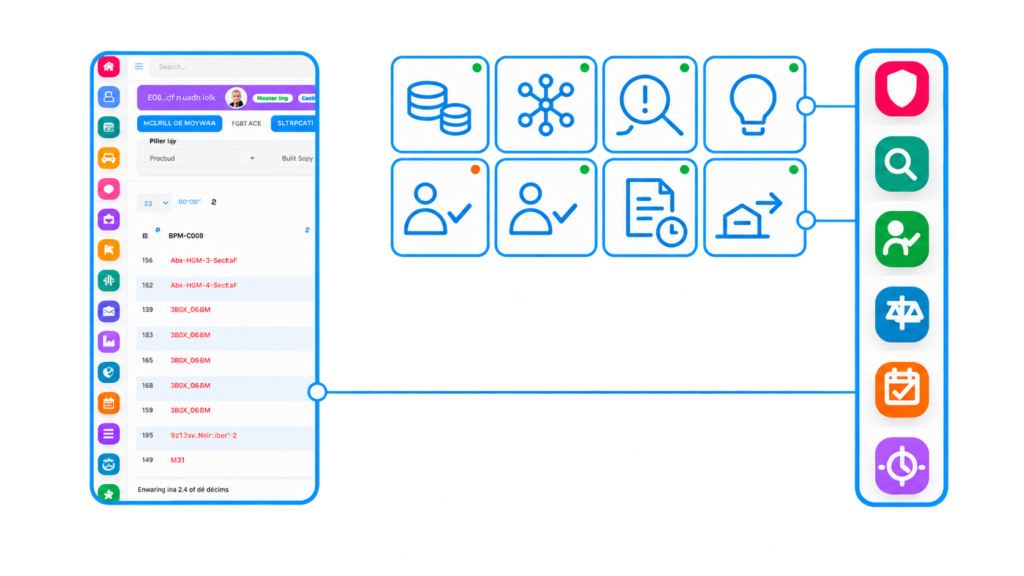
AI Flow Connected Flows

Give every team insight where work happens

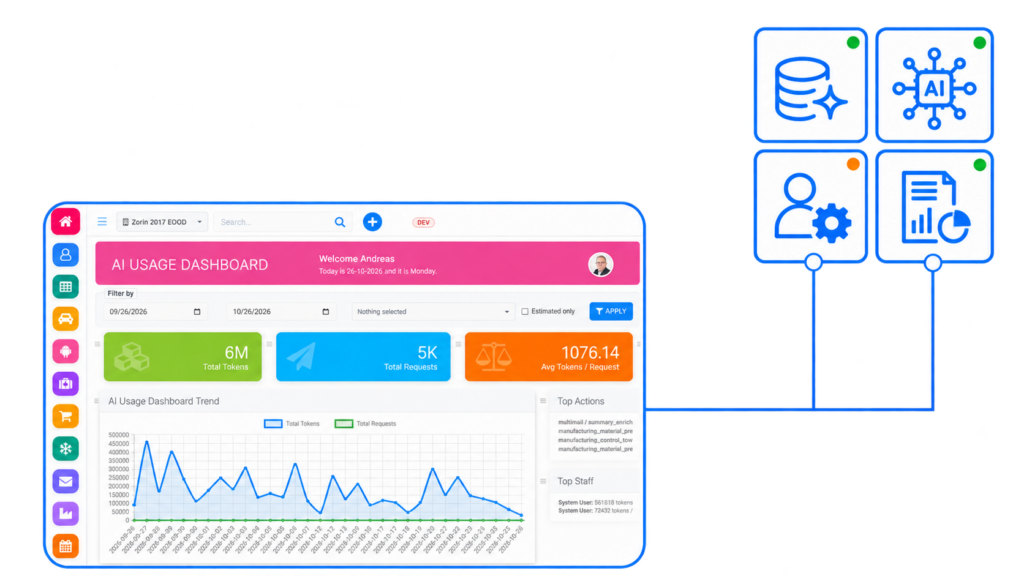
Instead of searching through reports and records, employees can use AI assistance in the context of the process they are managing. AI can summarize information, compare results, flag unusual activity and help prepare a next step.

AIFlow Logo

Find changes earlier

Identify unusual costs, delayed supplier deliveries, changing demand, stock risks or other patterns that may need attention.

Understand what the numbers show

See the records and factors behind a result, so a team can investigate the cause rather than rely on a number alone.

Compare possible responses

Review potential options with their expected cost, timing, benefit and risk before deciding what to do.

Prepare work for review

Use AI to draft documents, summarize activity, organize information or prepare a transaction for an authorized employee to check.

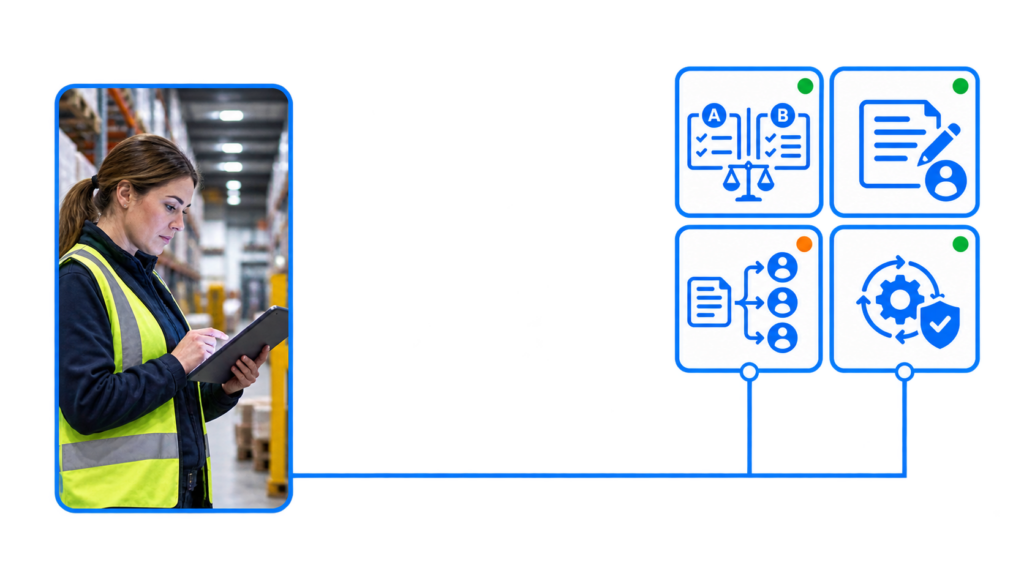
Keep people in control of decisions

AI can process information quickly, but it does not have the full context of your business. Employees bring experience, relationships, priorities and knowledge that may not be recorded in ERP data. SIX AIFlow is designed to support that judgment, not remove it.

Recommendations should be clear, reviewable and accountable

Before an AI-supported action is applied, the responsible person should be able to understand what the system considered, what it recommends and where uncertainty remains.

  • Role-based access: AI assistance follows the user’s permissions and access to business information.
  • Risk-based approvals: Approval steps can reflect the value, impact and reversibility of an action.
  • Explainable recommendations: Show relevant data, assumptions and reasons behind a suggestion.
  • Traceable actions: Keep records of recommendations, reviews, approvals, changes and exceptions.

The harder an action is to reverse, the more human review it should receive.

Analyze. Recommend. Approve. Act with confidence.

SIX AIFlow supports different levels of assistance, from answering a question to preparing an action for approval. The level of automation should match the business risk, company policy and quality of available data.

Monitor business patterns

Analyze relevant business activity to help teams notice changes in costs, demand, stock, delivery performance or process results.

Explain exceptions

Summarize unusual transactions or results and point users to the records that may help them investigate.

Forecast what may need attention

Use available data to highlight possible changes in demand, cash flow, supplier reliability, replenishment needs or production capacity.

Show uncertainty and missing information

Flag incomplete, conflicting or outdated data instead of presenting an uncertain result as a fact.

Compare options before acting

Prepare possible responses and show expected effects on cost, timing, service levels, inventory or capacity.

Create drafts for review

Prepare a proposal, supplier message, purchase-order draft, invoice record or other work item for an authorized employee to review.

Route decisions to the right person

Use approval rules to send decisions to the manager or specialist responsible for the process.

Automate within defined limits

Routine, low-risk actions may be automated when the business has approved the rules, thresholds and safeguards. Higher-impact actions remain subject to the required review.

FinanceFlow

Support invoice and expense processing, payment matching, cash-flow analysis and financial exception review.

SalesFlow and CustomerFlow

Help prepare proposals and customer communications, summarize activity and highlight follow-up opportunities.

PurchaseFlow and StockFlow

Analyze demand, stock and supplier information to flag replenishment needs, delivery risks or unusual inventory movements.

ManufacturingFlow and ServiceFlow

Help teams examine material, capacity, work-order and service information, then prepare options for planners or managers to review.

Connect AI with the full context of your business

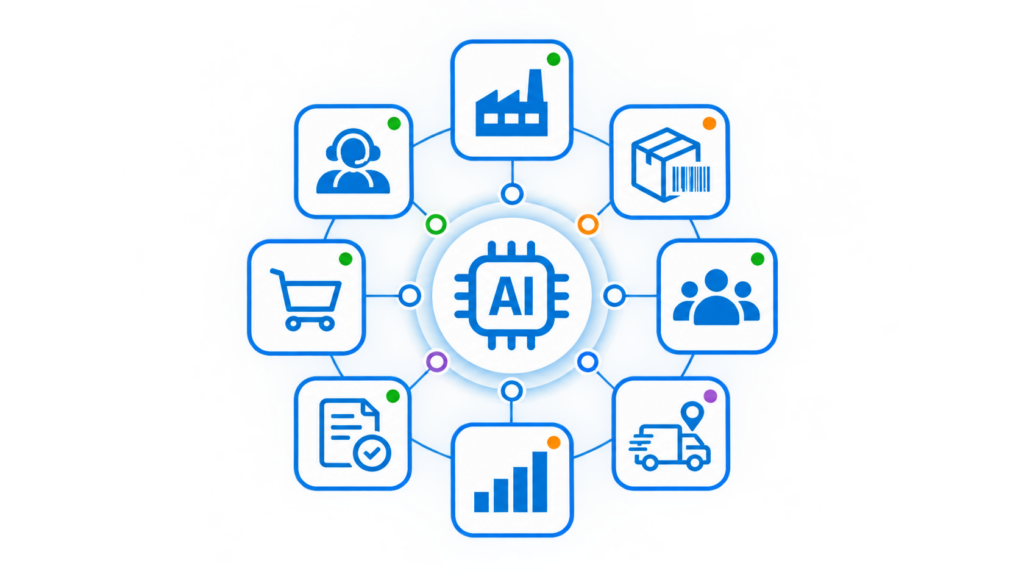
An AI result is only useful when it reflects the process around it. SIX AIFlow works with connected ERP information and business rules, helping teams consider how one action may affect other departments.

One connected view. Clear responsibility for decisions.

A purchasing recommendation may affect stock, production, customer delivery dates and cash flow. A proposal may depend on approved prices, product details and delivery terms. SIX AIFlow can help bring those details into the review, while the relevant employee remains responsible for the decision.

  • Connect insights to the customer, transaction or business record being reviewed.
  • Use relevant data from connected SIX Flows, subject to access permissions.
  • Keep recommendations and approvals linked to the underlying process.
  • Make handoffs between teams visible and traceable.

Put AI to work where it can help

Every business has different data, approval rules and decision responsibilities. Talk with a SIX expert about one process where AI could reduce manual work, improve visibility or help your team act sooner—with controls suited to the decisions involved.

See other SIX ERP Resources

Choosing the best ERP for distributors means looking beyond accounting. Compare the capabilities that connect sales, purchasing, inventory, warehouse operations, order fulfilment, and finance—and learn how to assess the right fit for your distribution business.


Read More >

Learn how to classify departments as cost centers or profit centers based on the decisions their managers control. This guide explains how to track revenue, costs, internal charges, shared expenses, and ERP reporting without distorting performance.

Read More >

Learn how managed cloud ERP compares with SaaS and self-hosted systems. Explore costs, responsibilities, security, maintenance, and flexibility to decide whether a provider-managed ERP is right for your growing business.

Read More >

Explore 11 Odoo alternatives for connecting sales, finance, inventory, manufacturing, and service operations. Compare ERP platforms by workflow fit, integration, flexibility, implementation effort, and total cost to find the right solution for your business.

Read More >

Resources

Start with a business problem—not an AI feature

Choose a process where the team spends too much time searching, checking or re-entering information. Define the current baseline, identify the data and approvals involved, then test AI in a focused workflow. Measure the result and refine the controls before extending it to other areas.

Frequently Asked Questions

Solutions AIFlow Frequently Asked Questions

  • What is SIX AIFlow?

    SIX AIFlow is the AI capability within SIX ERP. It brings analysis, assistance and recommendations into business workflows, using relevant ERP information and rules to help employees understand activity and prepare next steps.

  • Does AIFlow make business decisions by itself?

    AIFlow can analyze information, explain patterns, recommend options and prepare draft actions. People remain responsible for business decisions. Any automation should follow defined permissions, thresholds and approval rules.

  • Can AIFlow perform actions automatically?

    Routine, low-risk actions may be automated when the business has defined and approved the rules. Actions with significant financial, operational, legal or customer impact, require appropriate human approval.

  • How does AIFlow explain its recommendations?

    A recommendation shows the relevant data and factors behind it, describes its expected effect and identify uncertainty or missing information where possible. This gives the responsible employee a basis to review or challenge the suggestion.

  • Does AIFlow respect user permissions?

    AI assistance follows the user’s role-based access rights. A user should only receive information and AI-supported actions permitted for their responsibilities.

  • Which business workflows can use AIFlow?

    AI can support workflows across FinanceFlow, SalesFlow, CustomerFlow, PurchaseFlow, StockFlow, ManufacturingFlow and ServiceFlow. The suitable use cases depend on the process, available data, integrations and approval requirements.

  • How should a company start using AIFlow?

    Start with a specific process and a measurable business problem. Establish a baseline, review the data and risks, define approval rules, then pilot the use case with the people who perform the work. Expand after evaluating the results and exceptions.

  • What happens when AIFlow finds incomplete or conflicting data?

    SIX AIFlow flags the issue, explains what information is missing or inconsistent, and requests review where needed. It does not treat uncertain information as a reliable basis for a high-impact actions.

  • How are AI-supported actions recorded?

    The workflow can retain relevant records of the data used, recommendation, review, approval, final action and exceptions. The exact audit scope should be configured to the process and your governance requirements.