ERP Selection and Migration: A Practical Guide
Learn how to choose a new ERP, map business processes, compare vendors, plan data migration and reduce risk during implementation.
Home » Industries » ERP for Manufacturing

Understand and prepare for the practical caveats of EPR implementation and prepare for compliance around EPR, PPWR and DPP. Achieve real-world compliance before it is too late — January 15, 2027.
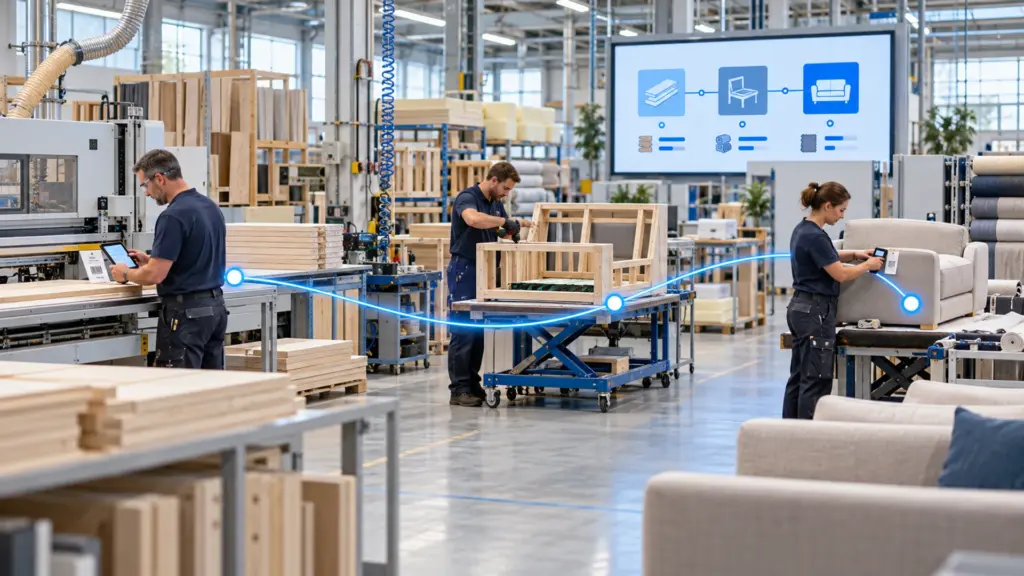
A plan only works when production teams can act on it and report what happens. SIX ERP connects work orders, work centers, material movements and production updates, giving planners a clearer view of progress, delays and completed output.

Release work orders to the right work centre, follow their progress through production, and record material use and completed output. These updates help planners spot delays, adjust priorities and coordinate the next operation.
Organize production orders around work centres and operational priorities.
Follow order status and recorded actions as work progresses.
Connect required components with stock picking and consumption.
Keep the plan current as work is completed or priorities change.
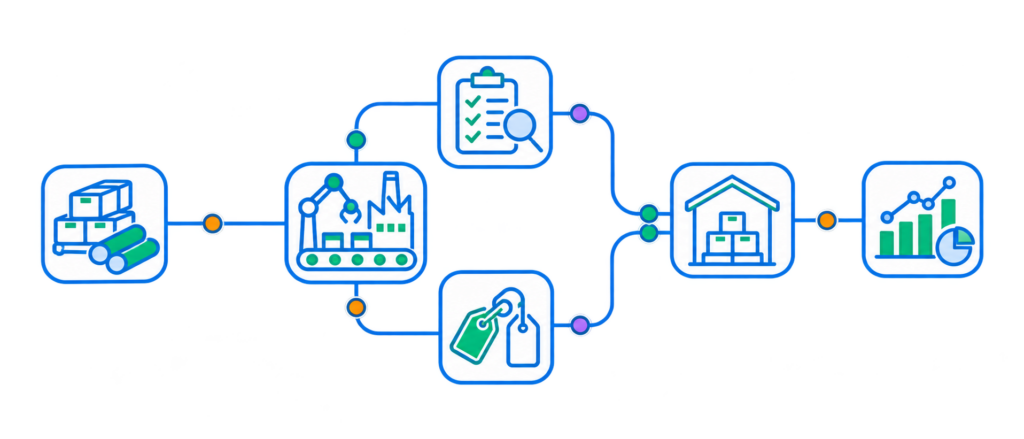
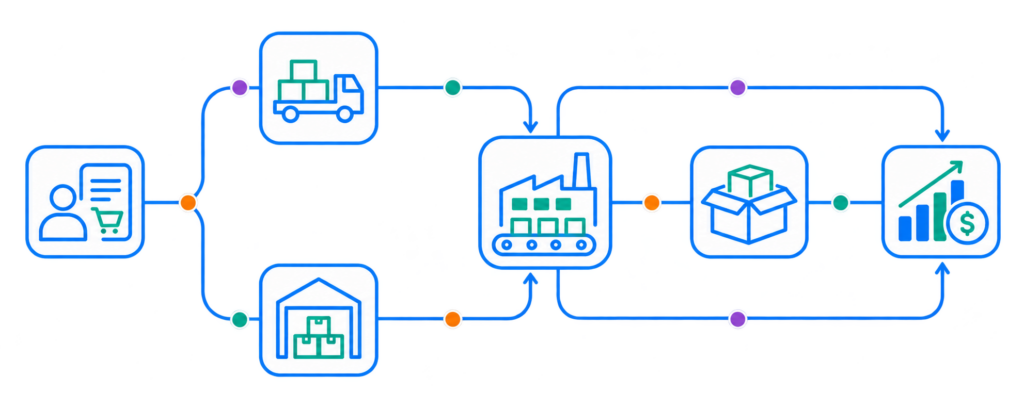
Every completed work order affects stock, material costs and delivery commitments. SIX ERP connects production updates with inventory and finance, helping managers review output and material consumption alongside the wider operational picture.

Build quality checks into production workflows.
Trace materials and finished goods throughout the production process.
Keep inspection results and production records connected to each work order.
Link completed production and material use to inventory and operational reporting.

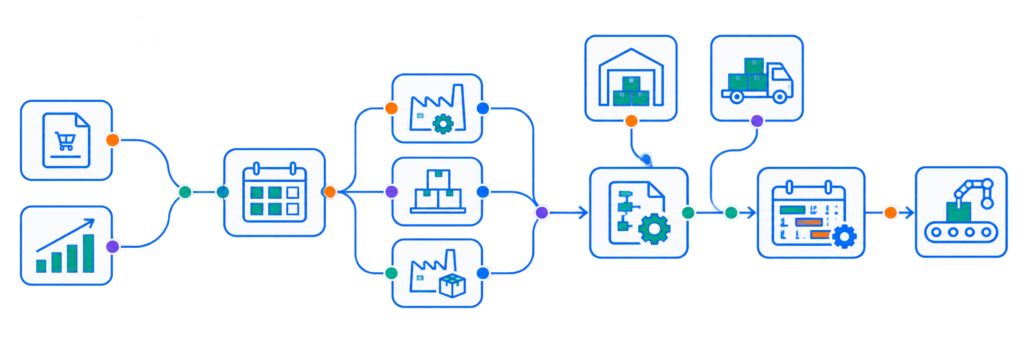
Manufacturers balance make-to-order (MTO), make-to-stock (MTS) and hybrid production while managing demand, materials, capacity and delivery dates. SIX ERP connects bucket planning and material planning with shop-floor control, quality, traceability, inventory and finance—so teams can follow production from demand through to finished goods.

Manage customer-specific orders, forecast-driven stock and mixed production within one planning environment.
Group sales orders and forecast demand by period to review priorities and quantities before releasing production.
Compare BOM requirements with available stock and incoming supply to identify potential shortages before work begins.
Align planned operations with work-center availability and delivery dates, then adjust priorities as demand changes.

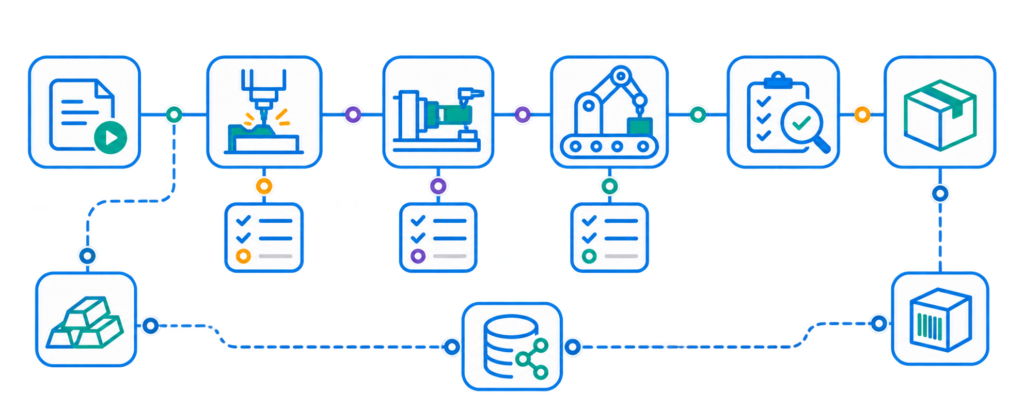
Give production teams work orders with the operations and material requirements needed to start the job.
Record status updates as work moves through production, helping planners monitor work in progress and respond to delays.
Capture actual material consumption and completed quantities against each work order to keep production and inventory records aligned.
Record quality checks and trace materials and finished products through the production process.

Bring customer orders and demand signals into production planning, keeping production priorities connected to delivery commitments.
Use planned requirements and stock information to coordinate material availability, purchasing and production.
Connect reported material use and completed output with inventory and finance processes.
Bring planning, work in progress, quality records and completed production into a shared operational view.
Every manufacturing business has its own production mix and priorities. Meet with a SIX expert to explore how connected planning, shop-floor control and traceability could support your operations.


Learn how to choose a new ERP, map business processes, compare vendors, plan data migration and reduce risk during implementation.


A detailed comparison of SIX ERP platforms—and why SIX ERP earns the top-of-breed position for companies that want one connected, managed, and adaptable platform across their entire operation.
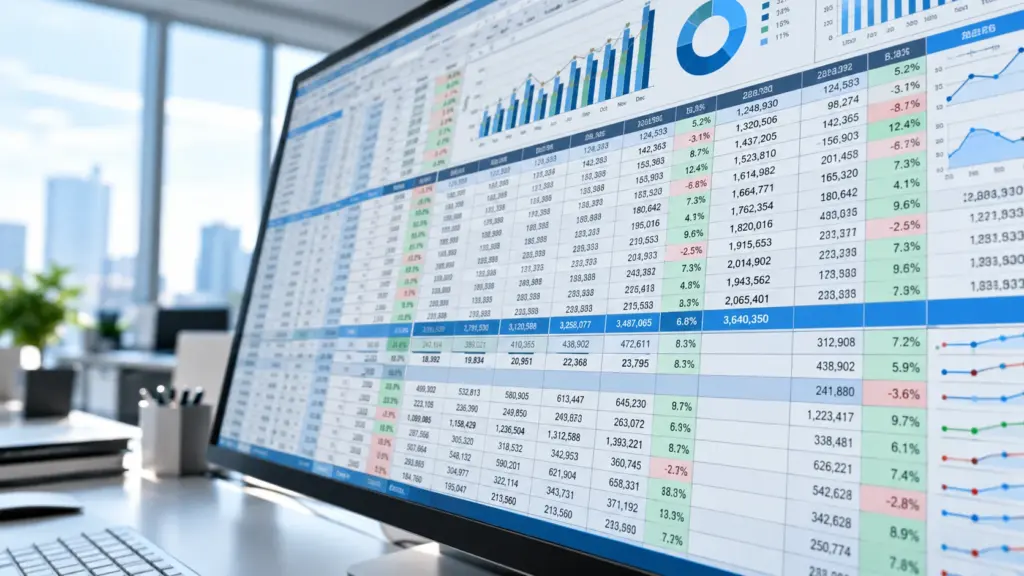
Many companies begin with spreadsheets. This is normal. A spreadsheet is quick, familiar, and easy to change. It can track customers, orders, stock, costs, working hours, or production plans.

How SIX SalesFlow Turns Demand into Revenue A successful sale does not begin with an order and end with an invoice. It begins when a

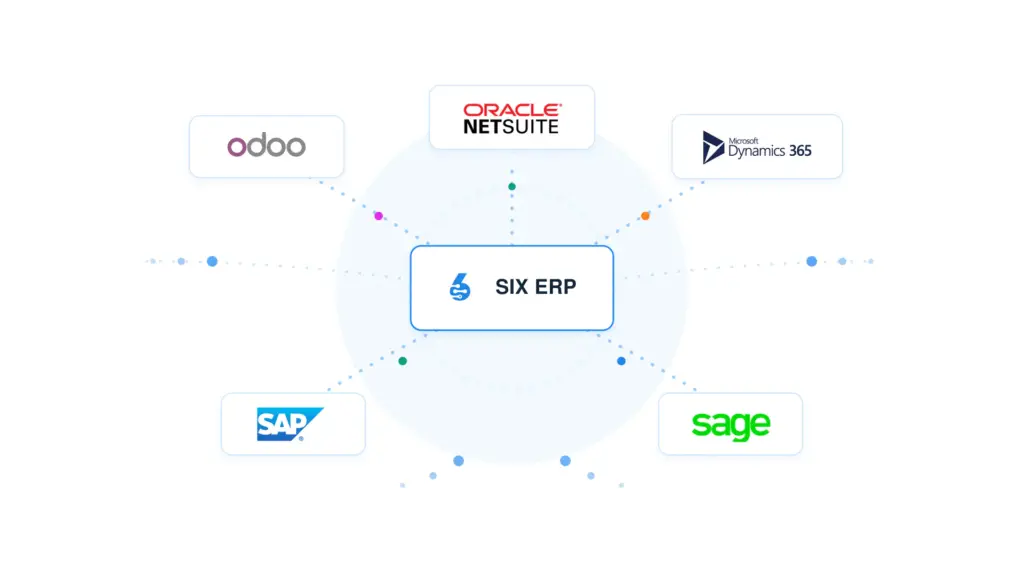
Compare SIX ERP with Odoo, Oracle NetSuite, Microsoft Dynamics 365, SAP, and Sage across licensing, users, modules, scalability, customization, upgrades, support, and business continuity. Understand the strengths, limitations, and long-term trade-offs that matter before choosing your next ERP platform.
Yes. SIX ERP supports MTO, MTS and hybrid production planning, helping manufacturers coordinate customer orders and forecast-driven demand.
It connects production requirements and bills of materials with stock and incoming supply, helping teams identify potential shortages before work begins.
Yes. Teams can follow work orders across work centers, record material use and completed output, capture quality checks, and trace materials and finished goods through production.
SIX ERP links manufacturing with sales, purchasing, inventory and finance, so production updates can inform the wider operational workflow.