


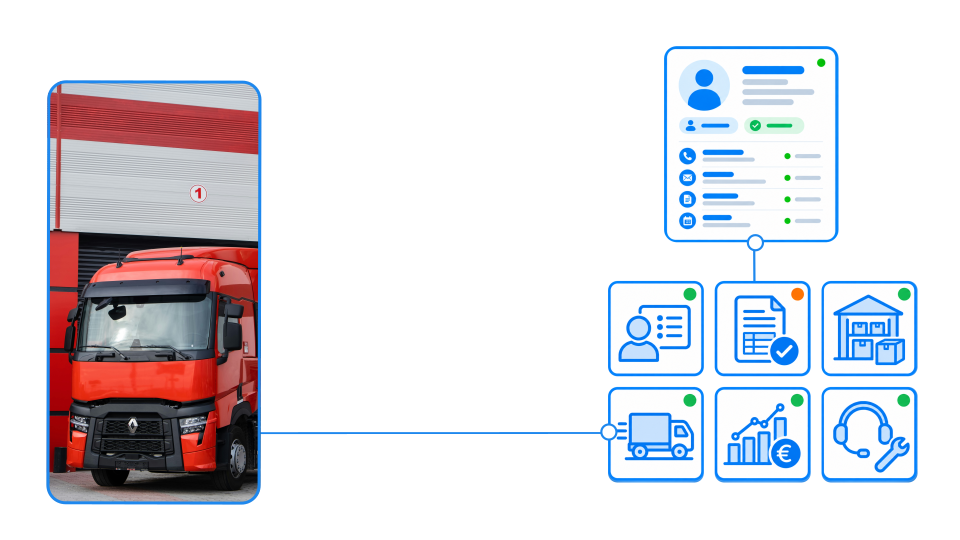

SIX CustomerFlow®

CRM, leads and sales relationships

CustomerFlow brings every customer conversation, lead, opportunity and next step into one clear, connected journey. Manage relationships, coordinate sales, and connect customer data with analytics, eCommerce and the wider SIX ERP platform—from first contact to repeat business.

Understand and prepare for the practical caveats of EPR implementation and prepare for compliance around EPR, PPWR and DPP. Achieve real-world compliance before it is too late — January 15, 2027.

Every customer conversation. One clear next step.

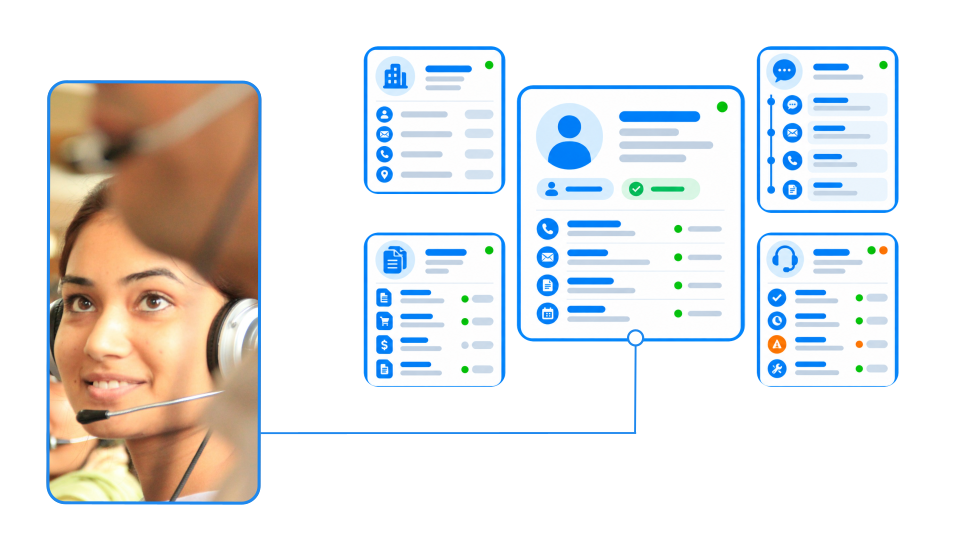
Your sales team should not have to search through emails, spreadsheets, notes, and separate systems to understand a customer. SIX ERP brings leads, contacts, activities, quotations, opportunities, orders, and service history into one connected customer record.

Drive more business growth with SIX CustomerFlow

From the first enquiry to the next order, everyone sees the same information, the latest communication, and the actions that need to happen next. This helps your team respond faster, follow up consistently, and build stronger customer relationships without adding unnecessary administration.

One customer record

Keep contacts, communication, opportunities, offers, orders and service history together—so every conversation starts with the full context.

Reliable follow-up

Turn calls, meetings and enquiries into clear next actions. Tasks, reminders and activity history help your team follow through without relying on memory.

A sales pipeline you can trust

See where every opportunity stands, what needs attention and which deals are moving forward. Give managers a realistic view of expected revenue.

From lead to long-term customer

Connect lead capture, qualification, offers, orders and after-sales service in one process—so no promising enquiry is lost between teams or systems.

From first enquiry to repeat business

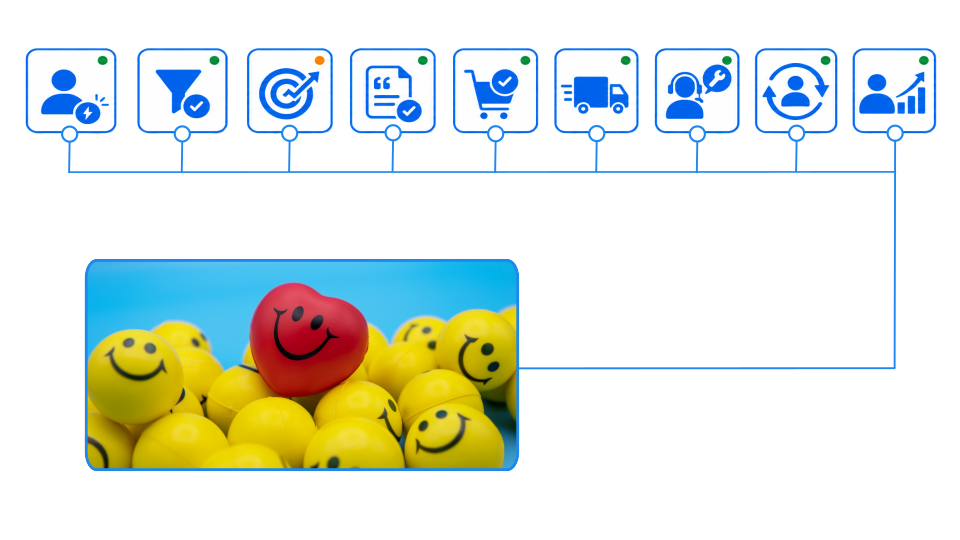
Connect every customer interaction—from lead capture and qualification to offers, orders, service and follow-up—to build stronger relationships and turn first enquiries into repeat business.

Run autonomous, agile, aligned, and adherent customer relation management

SIX CustomerFlow keeps every stage connected. Your team can capture a lead, qualify the opportunity, prepare an offer, convert it into an order and continue with delivery and service—without losing context or re-entering information.

Hundreds of CRM capabilities. One connected customer journey.

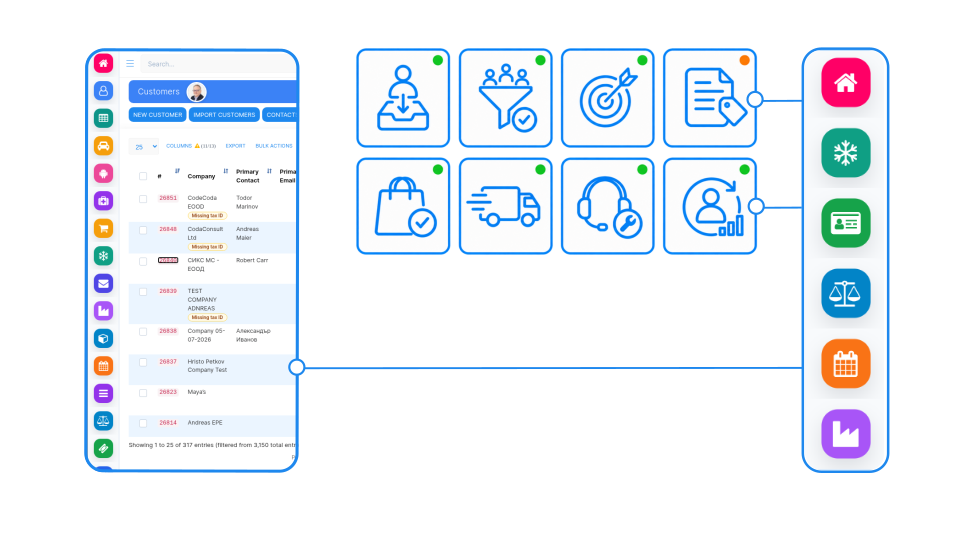
CustomerFlow is designed to do more than store contacts or manage a sales pipeline. It gives your teams a complete, shared view of every relationship—from the first lead and qualification through proposals, orders, delivery, service and repeat business. Conversations, activities, documents, opportunities and decisions remain connected in one complete customer record, while relevant information moves directly into the rest of your operations. An accepted opportunity can become an order, project, service job or production request; stock, purchasing and finance can follow; and every service interaction can strengthen the relationship. These highlights show how CustomerFlow turns everyday CRM activity into clear, coordinated business action.

Capture Every Lead

Collect enquiries from web forms, email, campaigns, referrals, and direct entry.

Turn Interest into Opportunity

Qualify leads, schedule follow-ups, assign responsibilities, and track every sales stage.

Move from Offer to Order

Create proposals, estimates, and orders directly from the opportunity—without entering data twice.

Build Repeat Business

Continue the relationship through delivery, support, service, renewals, and new opportunities.

One Customer Profile

Keep companies, contacts, addresses, roles, and preferences in one structured record.

Every Interaction Recorded

See calls, emails, meetings, notes, tasks, and activities in a single timeline.

Documents and Transactions

Access proposals, contracts, orders, invoices, payments, projects, and service records.

A Clear 360° View

Give sales, service, finance, and management the same complete and current customer picture.

Sales Becomes Action

Convert an accepted opportunity into an order, project, service job, or production request.

Stock and Delivery Connected

Check availability, reserve products, initiate purchasing, and follow fulfilment through delivery.

Finance Follows Automatically

Carry customer and transaction data into invoicing, payments, credit control, and reporting.

Service Continues the Relationship

Connect support tickets, field-service work, maintenance, and follow-up sales to the customer record.

See other SIX ERP Resources

Choosing the best ERP for distributors means looking beyond accounting. Compare the capabilities that connect sales, purchasing, inventory, warehouse operations, order fulfilment, and finance—and learn how to assess the right fit for your distribution business.


Read More >

Learn how to classify departments as cost centers or profit centers based on the decisions their managers control. This guide explains how to track revenue, costs, internal charges, shared expenses, and ERP reporting without distorting performance.

Read More >

Learn how managed cloud ERP compares with SaaS and self-hosted systems. Explore costs, responsibilities, security, maintenance, and flexibility to decide whether a provider-managed ERP is right for your growing business.

Read More >

Explore 11 Odoo alternatives for connecting sales, finance, inventory, manufacturing, and service operations. Compare ERP platforms by workflow fit, integration, flexibility, implementation effort, and total cost to find the right solution for your business.

Read More >

Resources

Modernizing customer relations through compliance: Drive innovation and sales with SIX CustomerFlow

Learn how cloud-based solutions help company owners face increasing complexity, expectations, and disruptions. Gain the agility, intelligence, and real-time visibility needed to boost efficiency, ensure quality, and empower more resilient operations.

Frequently Asked Questions

Solutions CustomerFlow Frequently Asked Questions

  • What is SIX CustomerFlow?

    SIX CustomerFlow is the CRM part of SIX ERP. It brings leads, contacts, activities, quotations, opportunities, orders and service history into one connected customer record, so your team can see every conversation and the next step in one place.

  • What does the customer record contain?

    One structured record holds companies, contacts, addresses, roles and preferences. It also shows calls, emails, meetings, notes, tasks and activities in a single timeline, with access to proposals, contracts, orders, invoices, payments, projects and service records.

  • Where can leads come from?

    CustomerFlow collects enquiries from web forms, email, campaigns, referrals and direct entry. You can then qualify each lead, schedule follow-ups, assign responsibilities and track every sales stage.

  • How does CustomerFlow help my team follow up consistently?

    Calls, meetings and enquiries become clear next actions. Tasks, reminders and activity history help your team follow through without relying on memory, and everyone sees the latest communication.

  • Can I create offers and orders from an opportunity without re-entering data?

    Yes. You can create proposals, estimates and orders directly from the opportunity, without entering the data twice.

  • What happens after an opportunity is accepted?

    An accepted opportunity can become an order, project, service job or production request. From there you can check availability, reserve products, initiate purchasing and follow fulfilment through delivery. Customer and transaction data carry into invoicing, payments, credit control and reporting.

  • Does CustomerFlow cover after-sales service and repeat business?

    Yes. Support tickets, field-service work, maintenance and follow-up sales connect to the customer record. The relationship continues through delivery, support, service, renewals and new opportunities.

  • Who in the company can see customer information?

    Sales, service, finance and management can work from the same complete and current customer picture. Role-based access controls what each person sees.

  • Does CustomerFlow connect with analytics and eCommerce?

    The platform connects customer data with analytics, eCommerce and the wider SIX ERP platform. Contact the SIX team to discuss the specific systems you want to connect.

  • How do I see CustomerFlow in action?

    with a SIX specialist and describe your sales process, so they can show how CustomerFlow fits it.

  • Can we see which opportunities are likely to become revenue?

    Yes. Sales pipelines, expected values, planned activities and conversion reporting give managers a current view of open opportunities, follow-up quality and expected revenue—without assembling figures from separate spreadsheets.

  • How does SIXCustomerFlow help us keep customer data compliant?

    Store customer information, communication history, consent-related data and activities in one controlled record. Role-based access and traceable changes help your team work with clearer accountability and stronger data governance.

  • How does CRM connect with orders, delivery and finance?

    Customer data does not stop at the sales team. Leads, offers and customer agreements can continue into orders, warehouse availability, delivery, invoices, service and financial reporting within the same SIX ERP environment.

  • Can SIX CustomerFlow work with our existing sales process?

    Yes. SIX ERP CRM can be configured around your qualification stages, activities, approvals, documents and reporting needs, without forcing your team into a generic sales workflow.