

MRP is a planning calculation for materials. ERPAn ERP system connects a company’s core processes—such as sales, finance, inventory, manufacturing, and service—in one place so teams can work with shared information. is the business system that wraps that calculation in finance, sales, purchasing, inventory and the rest of the company. The practical difference is not which acronym is more advanced. It is whether the plan, the shop floor and the warehouse work from one set of data, or from separate tools that someone has to reconcile. SIX ERP is built on the second idea: manufacturing and warehouse flows that play together, with no separate data stores and no hand-built interfaces between them.
What MRP does
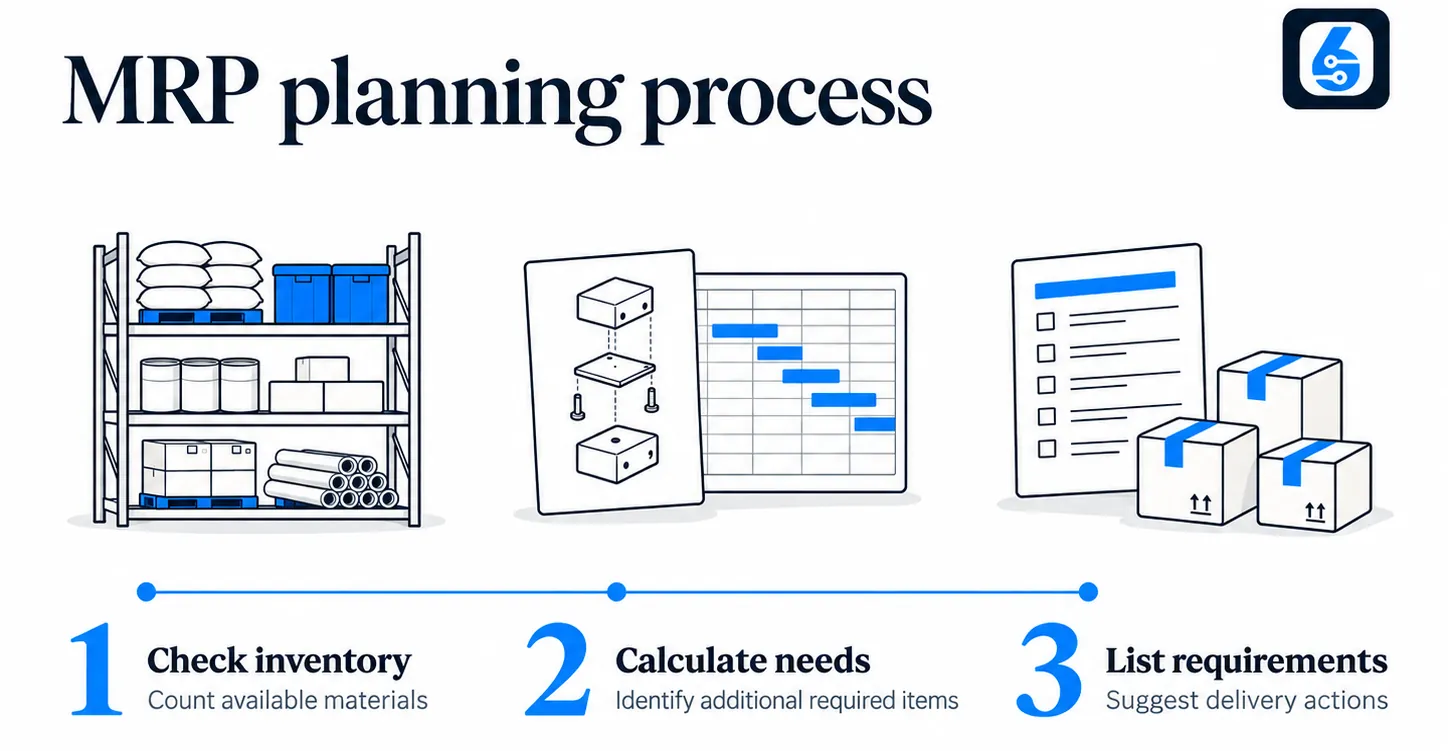
Material requirements planning (MRP) answers three questions: what materials are needed, how much, and by when. It works from demand (sales orders and forecasts), the bill of materials (BOMA Bill of Materials (BOM) lists the materials and components, and their quantities, needed to make a product., the list of parts and raw materials in each product) and current stock. TL Plovdiv describes the process as three steps: take inventory of available materials, identify which additional items the production schedule, orders and forecasts require, and produce a list of requirements with suggested delivery actions.
A simple example, adapted from a Fabrico guide: an order for 1,000 finished assemblies, each needing four brackets and two motors. MRP reads the BOM, checks stock, and calculates how many brackets and motors to buy and when, then generates supplier orders and production orders.
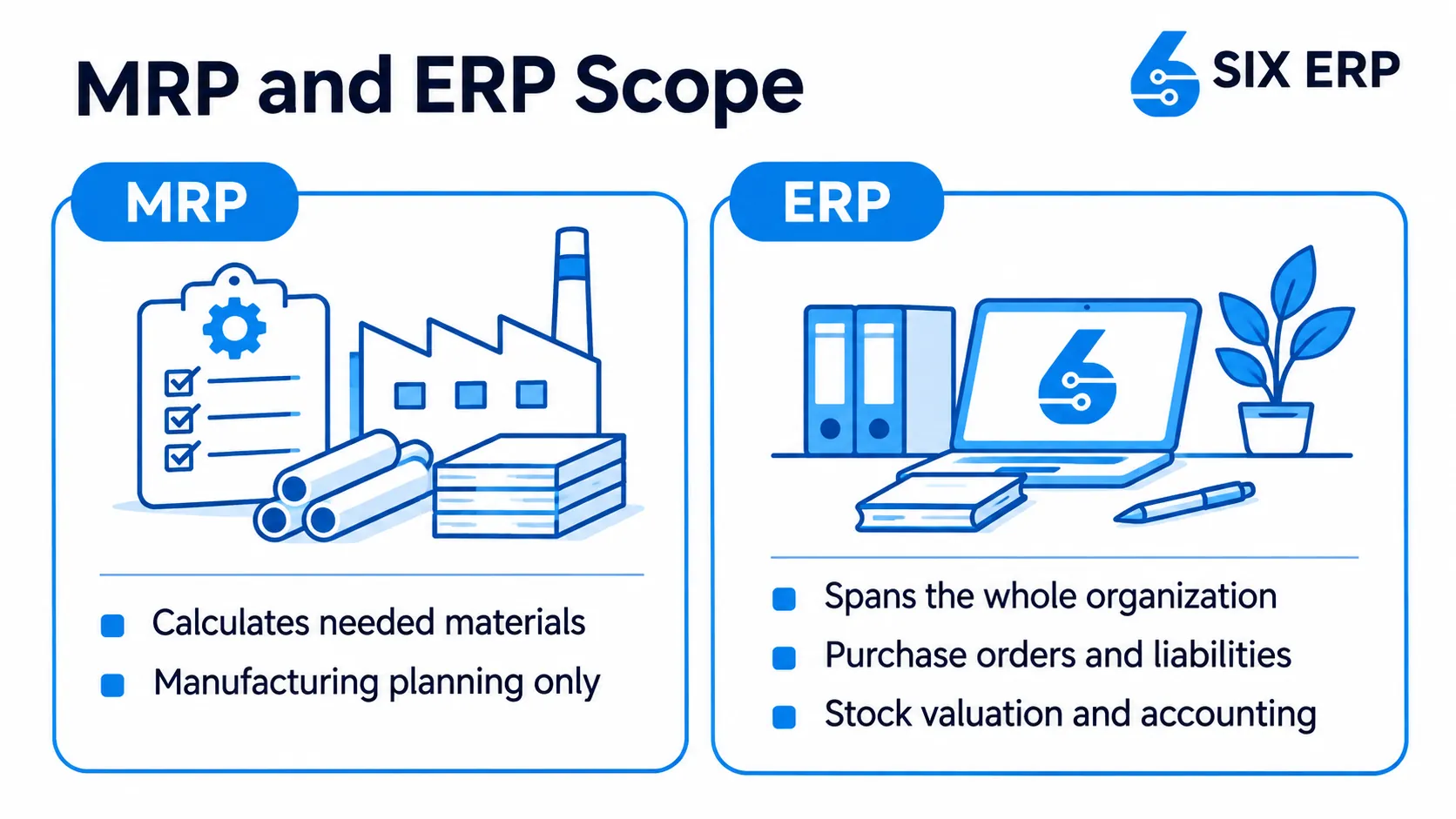
That is valuable, and it is also all MRP does. It does not post the supplier liability, value the stock or invoice the customer.
What ERP adds
Enterprise resource planningAn ERP system connects a company’s core processes—such as sales, finance, inventory, manufacturing, and service—in one place so teams can work with shared information. (ERP) is a suite built around a single database that covers operational and administrative functions. TechTarget explains that MRP originally calculated only the materials needed for manufacturing, while ERP spans the whole organization. Continuing the example above, ERP sends the purchase orders, records the financial liabilities, updates stock valuation and posts everything to accounting.
Typical ERP areas, per a Varna academic paper, are finance, supply chain, human resources, customer relationship management and manufacturing planning. In SIX ERP these map to flows such as FinanceFlow, PurchaseFlow, StockFlow, ManufacturingFlow, SalesFlow, CustomerFlow, ServiceFlow, ProjectFlow and PeopleFlow.
ERP vs MRP at a glance
| MRP | ERP | |
|---|---|---|
| Main question | What to buy or make, how much, by when | How the whole business runs around that plan |
| Scope | Materials and production planning | Finance, sales, purchasing, inventory, HR, production, service and more |
| Data | Planning data for production | One shared database for all departments |
| Typical users | Manufacturers | Manufacturers, distributors, service organizations, SMEs |
| Output | Purchase and production proposals | Executed orders, postings, stock valuation, reports |
Is MRP part of ERP?
Yes. The planning function in most ERP systems is still based on MRP or a derivative of it. TechTarget’s Dave Turbide compares it to algebra, which still relies on basic arithmetic. So MRP is not a rival to ERP. It is the predecessor and a component inside it.
A short history explains the vocabulary:
- MRP came first and calculated materials, assuming no resource constraints. Made in Britain dates it to the 1960s.
- MRP II (manufacturing resource planning) developed from the 1980s and added resources such as labor and machinery. Investopedia notes it also adds capacity scheduling, demand forecasting and cost management.
- ERP treats MRP II as one component next to HR, CRM and asset management, and extends planning to the whole enterprise.
A 2006 study in Communications of the IIMA calls MRP II an early ERP package and the underlying principle of most ERP software. Most ERP systems already include MRP II planning, so a business with an ERP that fits its operation rarely needs a separate MRP tool.
Why the connection matters more than the feature list
The real cost of a standalone MRP shows up at its edges. Planning needs live stock numbers from the warehouse. The warehouse needs the production plan to know what to pick and what to receive. Finance needs both to value stock and cost orders. When these sit in separate tools, the company pays for it in double data entry, cross-system reconciliation and decisions made on mismatched numbers.
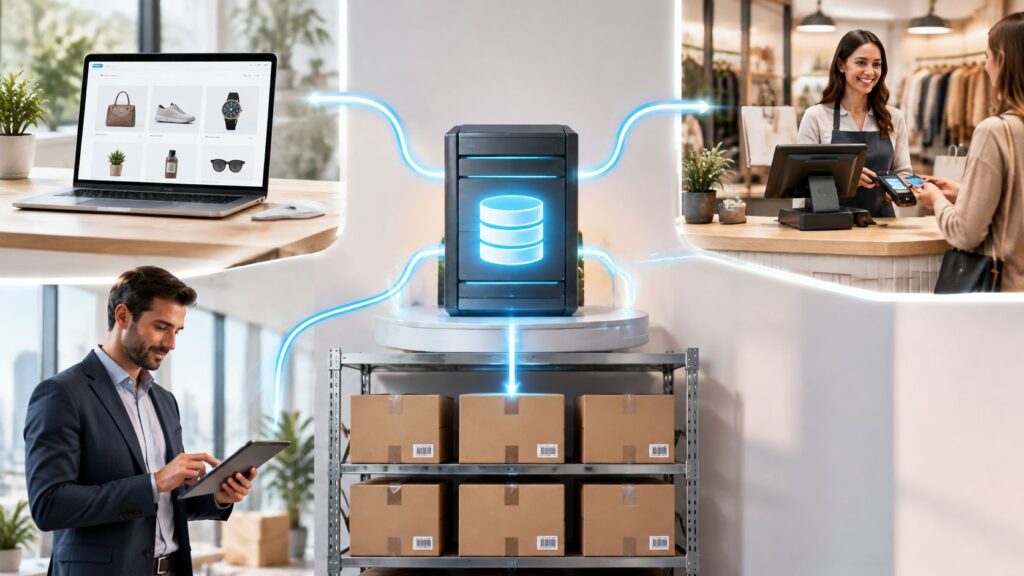
In an integrated ERP, the chain is continuous:
- Demand enters through sales orders and forecasts.
- Planning nets that demand against stock and open purchase orders, and proposes production and purchase orders.
- Purchasing turns proposals into supplier orders and tracks receipts.
- Warehouse and inventory receive goods, issue materials to production and update stock in the same moment.
- Production consumes the materials, reports output and feeds finished goods back to stock.
- Finance posts liabilities, stock value and cost without anyone re-keying a number.
TL Plovdiv notes that MRP inside an integrated ERP automatically receives updates from sales orders and forecasts. That allows faster response to changing demand and helps avoid production delays and stock-outs.
Manufacturing and warehouse as one flow
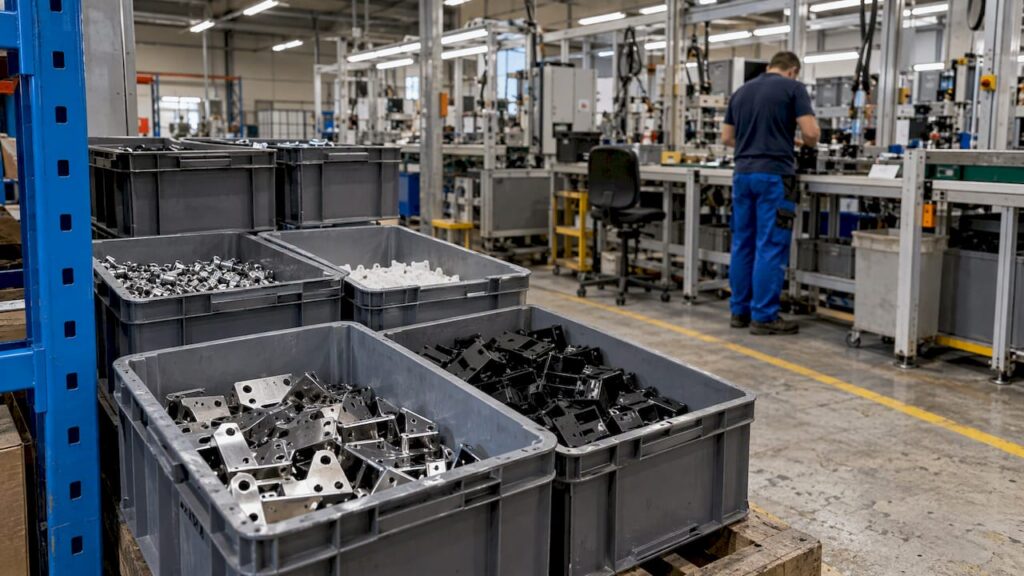
The two places where separate systems hurt most are manufacturing and the warehouse. If the production module plans against a stock figure that is a day old, it either over-orders or runs short. If the warehouse does not see a production order until it is released on paper, picking starts late. When both read and write the same inventory records, the plan reflects what is physically on the shelf, and the shelf reflects what the plan needs.
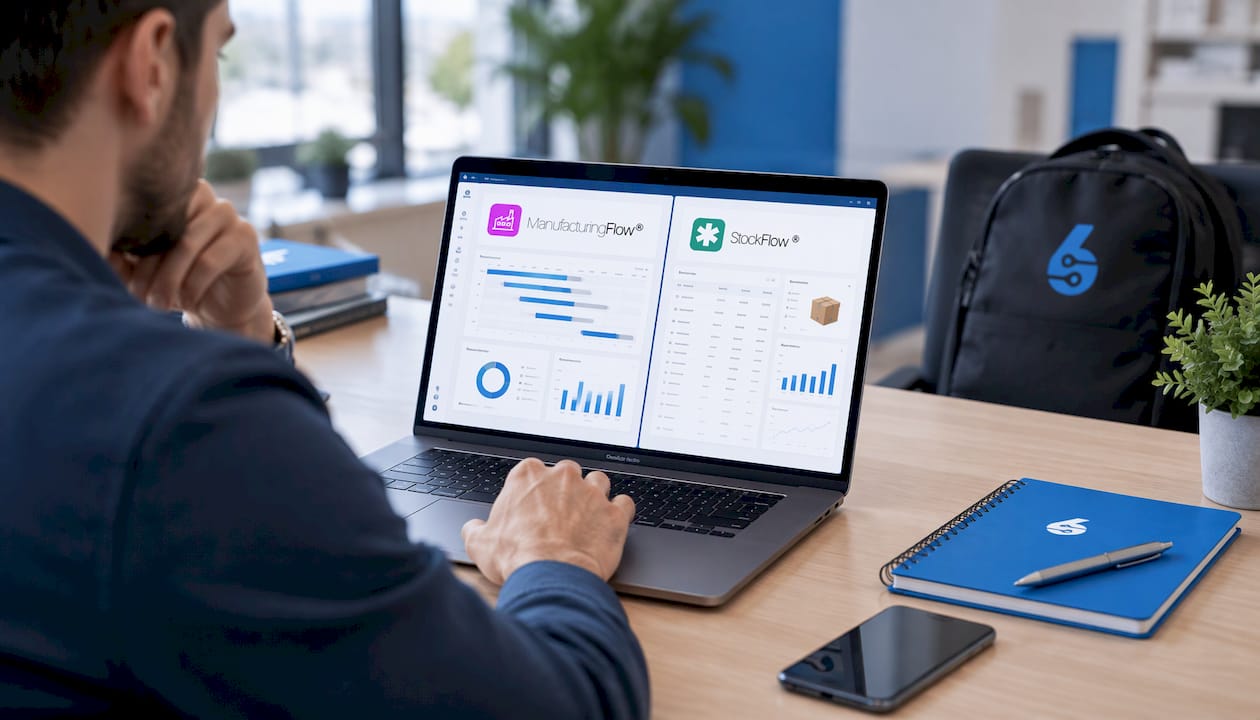
This is how SIX ManufacturingFlow and SIX StockFlow are meant to work together: one platform, one set of data, connected flows instead of connected products. For the planning side, see our guide to ERP for manufacturing: planning, work orders and traceability, and the manufacturing ERP checklist for production and inventory visibility.
When a standalone MRP is enough, and when ERP pays off
A small manufacturer whose main problem is material and production planning can run a focused MRP tool and keep finance and sales elsewhere. That setup holds until the business grows: more products, more customers, a second warehouse, service work. Then every extra system adds another interface to maintain.
ERP is the better fit when:
- Sales, purchasing, stock and accounts each keep their own spreadsheet or tool.
- Stock values differ between the warehouse and the books.
- You need one view of orders, costs and margins.
- You expect to add departments, sites or product lines.
- You are not a manufacturer at all. TechTarget notes that non-manufacturers should look at ERP and have little use for MRP, and that ERP modularity lets organizations implement only what they need and add modules later. Service organizations that manage field work belong here.
Reading vendor labels carefully
The term ERP is used loosely. Bulgarian consultant Ivo Dreshkov warned in Dnevnik that many MRP II products are labeled ERP, and that accounting systems with a young production module are sold as full ERP. The point still holds because there is no ERP standard. When you compare systems, ask to see an order travel from sales through planning, purchasing, warehouse, production and invoice in one system. That end-to-end path is the real test of an integrated platform, and it is how we show SIX ERP.
What to expect from the investment
In a survey of the Bulgarian ERP market by the University of Economics, Varna, users named real-time work, better accounting, synchronization between main activities and personalized reporting as ERP’s strongest benefits. They also pointed to implementation and maintenance cost. That is why preparation matters: the more precisely processes are defined before configurationConfiguration sets up software using its existing options. In an ERP system, it adapts workflows, roles and other settings to the company’s business processes., the less rework follows. For a broader view of costs, benefits and stock practices, this overview of inventory management strategies is a useful companion.
Our perspective
Companies rarely fail because their MRP calculation is wrong. They struggle because the result has to cross a boundary: from planning to purchasing, from purchasing to the warehouse, from the warehouse to production, from production to finance. Each boundary that needs a manual export or a custom interface is a place where numbers drift.
That is why we map company processes in detail before configuring SIX ERP, following a no-gap approach. We want every step of the order-to-cash and plan-to-produce chain described before anyone builds it, so manufacturing and inventory share the same data from the first day, with no gaps between them.
It also means you do not have to buy everything at once. Start with the flows you need, for example ManufacturingFlow with StockFlow, and add PurchaseFlow, FinanceFlow or ServiceFlow as the business grows, without replacing the system.
Andreas
SIX ERP: manufacturing and warehouse on one platform
SIX ERP connects departmental workflows in six distinct flows and covers CRM, HRM, warehouse and inventory, finance, business intelligence, purchasing, manufacturing, sales and distribution, projects and field service, with web and mobile apps and dashboards. You can begin with ManufacturingFlow and StockFlow and extend from there.
Published annual plans are on the licensing page: SIX Start at €999 per year, SIX Growth at €2,499 per year and SIX Business at €4,999 per year. SIX Enterprise has no published price. Consulting, integrationIntegration connects systems so they can exchange information or coordinate actions. An ERP integration helps link business tools and reduce manual transfers between them. and configuration, and ongoing support are described on the services page.
If you are weighing a planning tool against a full platform, start with SIX ERP and map your processes first.
Sources
- TL Plovdiv: MRP in ERP in a modern production environment
- Fabrico: ERP vs MRP
- TechTarget: MRP vs. ERP, understand the differences and similarities
- Made in Britain: What is an MRP system?
- Investopedia: Manufacturing Resource Planning (MRP II)
- Salimi, Dankbaar and Davidrajuh: differences between MRP and ERP
- Dnevnik: similarities and differences between MRP II and ERP systems
- Atanasov, Varna University of Economics, 2022
- Dimitrov: Bulgarian ERP market survey, 2019