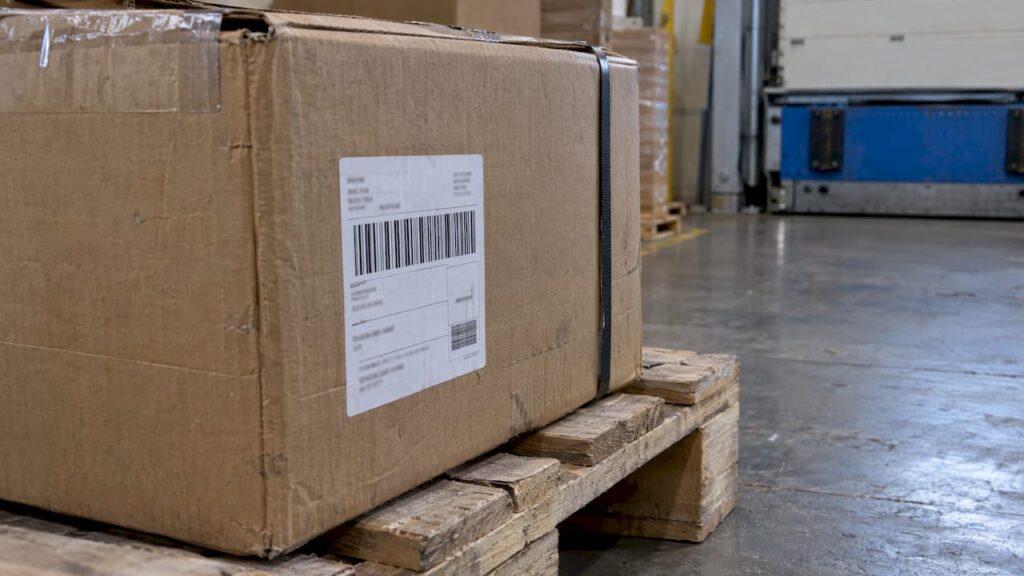
An EDI label is a physical shipping label whose barcode connects a carton or pallet to the electronic business documents behind it. EDI is the electronic exchange of business information. The label is the physical identification of the goods that ties the shipment to that information. The best way to produce correct labels is to generate them from the same system that holds your orders, stock and delivery notes, which is why manufacturers and distributors in Bulgaria increasingly handle them inside an integrated
ERPAn ERP system connects a company’s core processes—such as sales, finance, inventory, manufacturing, and service—in one place so teams can work with shared information. such as SIX ERP, not in a separate label tool.
Connect EDI Labels to Your Operations
SIX ERP connects inventory, sales, purchasing and finance workflows, helping businesses bring shipment information into an
integrated systemAn integrated system connects business functions or applications so they can share information. An ERP system uses this approach to link operations and reduce repeated data entry..
What an EDI label is
EDI labels are shipping and product labels with standardized, encoded data
generated automatically from EDI transactions, such as purchase orders (EDI 850) and advance ship notices (EDI 856), instead of being typed by hand. They carry product, shipment and handling details in a form a scanner can read.The term can confuse buyers, because searching for it returns blank printer labels and label rolls. Those are consumables. An EDI label is a data-driven label: what is printed on it is decided by the order and the shipment, and what a scanner reads on it unlocks a document your customer already received.A “logistic unit” is any item prepared for transport or storage that must be tracked through the supply chain: a carton, a pallet, a mixed pallet, a container. According to
GS1’s Logistic Label Guideline, the only mandatory element of a GS1 logistic label is a unique Serial Shipping Container Code (SSCC) that identifies that unit. GS1 is the global standards body behind barcodes; in Bulgaria its member organization is GS1 Bulgaria.
A typical EDI label combines a few data elements, each with a clear job.
| Information | Purpose |
|---|
| SSCC | Unique 18-digit Serial Shipping Container Code identifying a logistics unit |
| GTIN | Identifies the product |
| Quantity | Number of items or units |
| Batch/Lot number | Supports traceabilityTraceability follows a product or material through its history, from origin to use or delivery. An ERP system connects the records needed to investigate issues and track affected items. |
| Expiration date | Important for food and pharmaceutical products |
Retail and logistics customers often add the purchase order number, the ship-to location, carrier details and a description.
ActionEDI’s labeling guide lists these among the usual fields, printed with GS1-128 barcodes.
How the SSCC is built
The SSCC uses Application Identifier 00 followed by 18 digits. Per the
GS1 guideline, those digits are an extension digit you choose, your GS1 Company Prefix, a serial reference you create (for example 00000, 00001, and so on) and a check digit calculated with the GS1 algorithm.Two practical consequences follow:
- Every logistic unit needs its own SSCC, so labels cannot be pre-printed on packaging. GS1’s Global User Manual explains that the label has to be created and attached when the unit is formed.
- The SSCC should come from the company that creates the unit, using its own company prefix.
When a unit holds one product, the label can also carry the contained-item GTIN. When a pallet mixes products, no content data should be placed on the label. In that case
GS1 Italy’s guidance recommends a GS1-128 label with only the SSCC, and the descriptive data travels in the electronic despatch advice.
How the label and the electronic message work together
The supplier sends a despatch advice (DESADV in EDIFACT, or the ASN, advance ship notice, in the 856 format) listing each SSCC and what it contains.
GS1 Belgium & Luxembourg explains that the customer’s software retrieves the unit’s information when the SSCC is scanned.The benefit is on the receiving dock.
GS1 Germany describes how the receiver assigns the pre-transmitted data to its own order and inventory records before the truck arrives, so only the SSCC needs scanning at arrival.
GS1 Bulgaria’s publication makes the same point for Bulgarian logistics: the SSCC links the physical flow with the information flow, giving access to data such as batch number and expiry date.The typical sequence is:
- The buyer sends a purchase order.
- The supplier picks and packs, and forms logistic units.
- An SSCC is assigned to each unit and the label is printed and applied.
- The despatch advice is sent with every SSCC and its contents.
- The receiver scans the SSCC and matches it to the advice and the order.
Generating EDI labels from your ERP
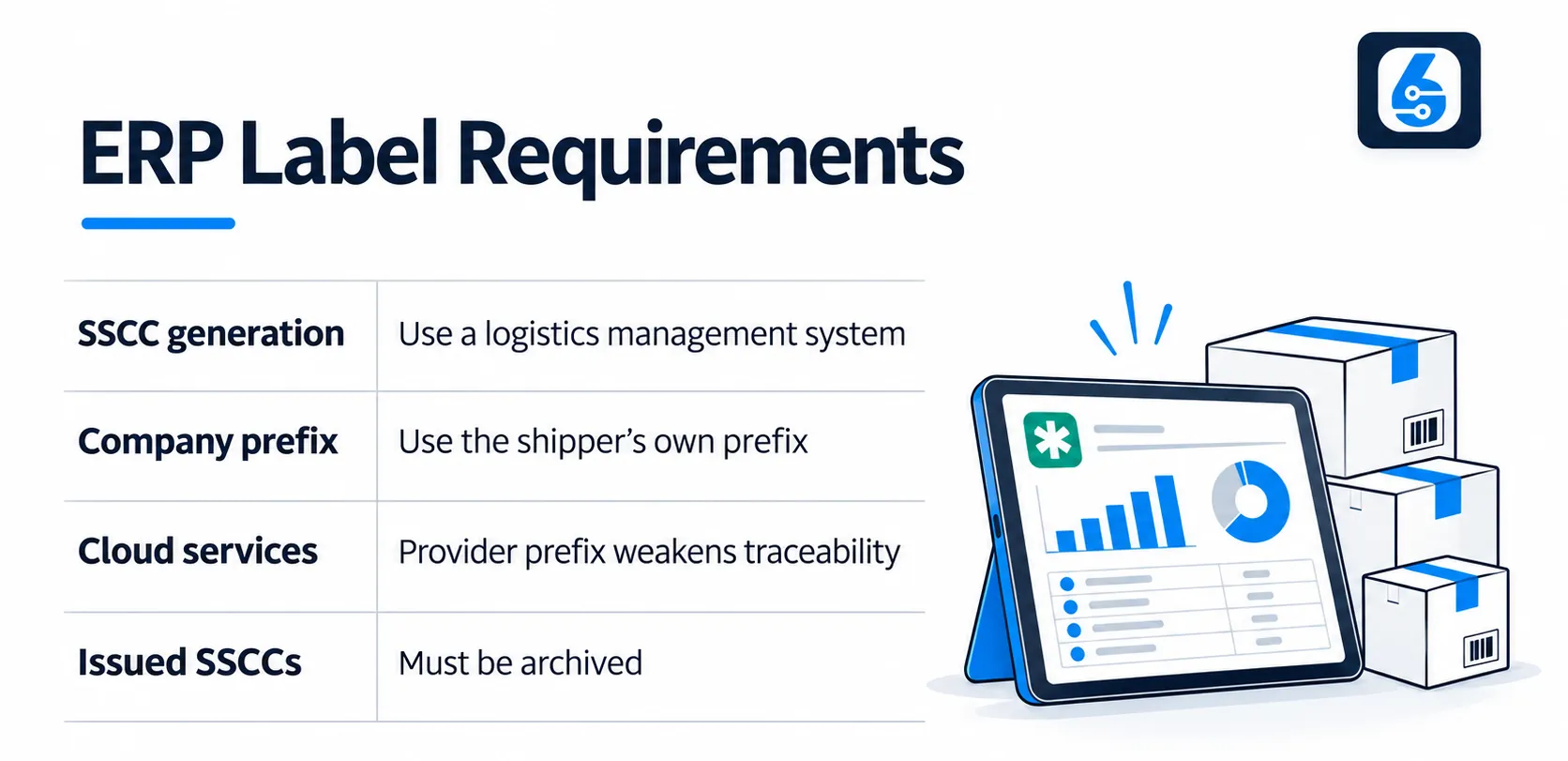
GS1 expects SSCCs to be generated from the logistics management system, such as a warehouse management system or an ERP, with the shipper’s own company prefix. It warns that
cloud label services using the provider’s prefix weaken traceability, and that issued SSCCs must be archived.That requirement describes what an integrated system is built for. Packing, stock, delivery notes and customer orders share one record, so the label data cannot drift from the shipment data. In SIX ERP,
StockFlow covers warehouse and inventory management, and the platform includes sales and distribution and purchasing flows, so the order, the stock movement and the delivery document sit in one place. Our guide to
managing delivery notes shows how the delivery document is handled in the system.

Data that has to be right before printing
A label is only as good as the master data behind it. The
RVCF guideline, written for the US retail supply chain, names the common receiving errors: a badly formatted ASN, an ASN that arrives after the goods, and master data that does not match between supplier and customer, such as GTIN, package dimensions and case quantity. Its advice applies in any market:
- Create the ship notice after the shipment is sealed, so it reflects what is physically on the truck.
- Send it before the goods arrive. RVCF’s best practice is within two hours of finalizing the shipment.
- Reflect shortages, substitutions and last-minute additions in the notice, and reprint labels where needed.
- Keep reprinted labels and the SSCCs in the notice in sync.
GS1 Italy adds a rule for rework: if a pallet is rebuilt before delivery, it receives a new SSCC and the dispatch advice must show it. The label is part of the load unit and must stay intact through the chain.
Requirements in Bulgaria
Each trading partner sets its own label layout, data fields and test procedure, so obtain their implementation guide before you configure anything. Layouts follow the GS1 standards, and GS1 Bulgaria is where you obtain a company prefix.Small suppliers have a starting route. GS1 Bulgaria describes
GS1 Print, an online application for creating compliant logistic labels without extra equipment or software, available to member companies. The Bulgarian Chamber of Commerce and Industry’s
2026 programme lists training with GS1 Bulgaria on GLN creation and on logistic labels with GS1 Print, which shows how recurring this training is. Check the official pages for current schedules.GS1 Print suits a small number of labels. As volumes grow, the label has to come out of the order and warehouse process itself, which is where an ERP takes over.
Checklist before your first EDI label run
- Get your GS1 Company Prefix and confirm which GTINs you will use.
- Collect each customer’s label and message specification.
- Clean product master data: GTIN, description, case quantity, dimensions.
- Decide how batch and expiry dates are captured at goods receipt, so they can reach the label.
- Choose thermal printers and label stock that match the required size and barcode quality.
- Define a reprint and rework procedure that issues new SSCCs when units change.
- Archive every issued SSCC alongside the shipment record.
Batch and expiry data on the label only pays off if it can be traced back. Our
one-hour traceability test shows how to check whether you can find every affected product quickly.
Our perspective
Most label problems we see described are data problems wearing a printing disguise. The barcode prints fine, but the order, the stock record and the delivery note were never one record.

That is why we map a company’s processes in detail before configuring anything, following our no-gap approach. A label is the last step of a chain: order, pick, pack, dispatch. If one link lives in a spreadsheet, the label inherits the gap.

SIX ERP connects sales, purchasing, inventory and finance through its flows, and a business can start with the essential ones and add more as customers ask for new requirements. Labeling is one more output of that chain, not a separate project.
Where SIX ERP fits
SIX ERP is an integrated platform with sales and distribution, purchasing, warehouse and inventory, manufacturing, finance and more, with web and mobile apps. Plans on
our licensing page start with SIX Start at 999 EUR per year, SIX Growth at 2499 EUR per year and SIX Business at 4999 EUR per year; SIX Enterprise has no published price. Consulting,
integrationIntegration connects systems so they can exchange information or coordinate actions. An ERP integration helps link business tools and reduce manual transfers between them. and
configurationConfiguration sets up software using its existing options. In an ERP system, it adapts workflows, roles and other settings to the company’s business processes., and support are listed on the
services page.

If you ship to retail chains or industrial customers and want one system behind your orders, stock and dispatch documents, start from
SIX ERP.
Make EDI Labeling Part of Your Everyday Warehouse Operations
EDI labeling should not become another disconnected process that employees have to manage manually. With SIX ERP, sales orders, inventory movements, packing activities, and delivery documents can share the same operational data. This provides the foundation for generating accurate shipping labels, maintaining SSCC traceability, and connecting shipments with electronic dispatch information through appropriately configured workflows and integrations. Whether you supply retail chains, manufacturers, or international distributors, SIX can help you evaluate your labeling requirements, identify integration gaps, and establish a reliable process from order fulfillment to shipment confirmation.
SIX ERP
Discuss EDI Labels for Your Business
Reach out to discuss how integrated processes could support your shipment data, inventory visibility and business workflows.
Sources



 If you ship to retail chains or industrial customers and want one system behind your orders, stock and dispatch documents, start from SIX ERP.