



Learn how managed cloud ERP compares with SaaS and self-hosted systems. Explore costs, responsibilities, security, maintenance, and flexibility to decide whether a provider-managed ERP is right for your growing business.


Understand and prepare for the practical caveats of EPR implementation and prepare for compliance around EPR, PPWR and DPP. Achieve real-world compliance before it is too late — January 15, 2027.
Once SIX ERP is live, our work continues. We monitor performance, resolve issues, support users, and review how the system performs in daily operations. As your processes, teams, and requirements evolve, we refine configurations, strengthen integrations, and introduce improvements—without disrupting your business.
Your ERP must remain dependable while your business continues to change. After go-live, SIX supports users, resolves issues, monitors integrations, and protects system performance. We review new requirements, refine workflows, and introduce controlled improvements so your teams can work confidently and your investment continues to deliver value.
When questions or issues arise, SIX helps identify the cause and restore the correct workflow. Clear prioritization and practical support reduce disruption and keep your teams productive.
We watch the system, connected services, and critical data flows for signs of errors or reduced performance. Problems can be addressed before they affect larger parts of your operation.
Users receive guidance as they work with SIX ERP in real business situations. We help teams understand processes, use functions correctly, and build confidence in the system.
New teams, regulations, services, and workflows create new requirements. SIX reviews these changes, refines configurations, and introduces controlled improvements that protect stability and long-term value.
Your ERP should not stand still while your business moves forward. SIX combines responsive support, system insight, user feedback, and planned improvements to keep daily operations stable and turn new requirements into controlled progress.
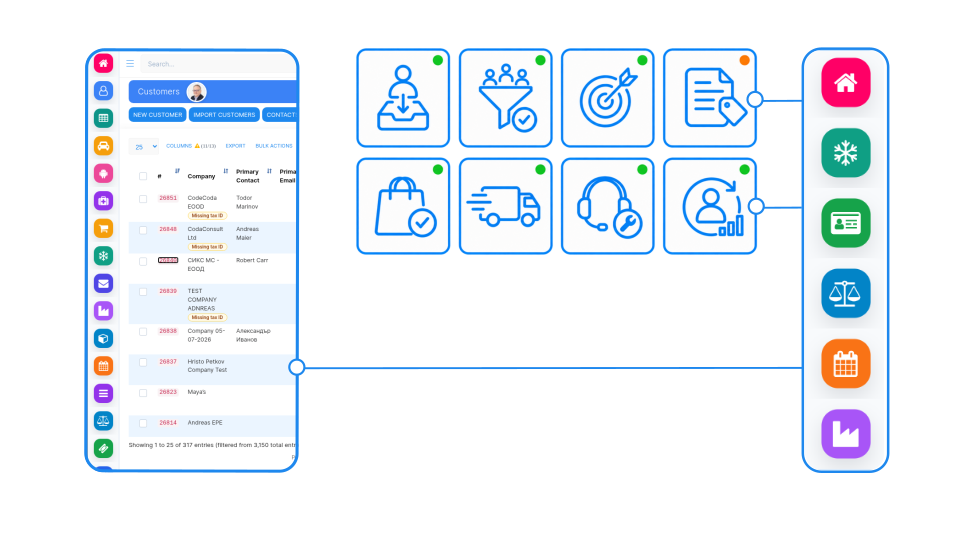
Every support request, repeated workaround, or new business requirement shows where the system can improve. SIX evaluates the need, identifies the right response, and coordinates configuration changes, integration adjustments, user guidance, or focused development. Each improvement is tested, documented, and introduced carefully so your ERP becomes more valuable without creating unnecessary risk or disruption.
Post-integration support keeps SIX ERP dependable as users, processes, connected systems, and regulations evolve. We resolve operational issues, protect system performance, and turn real business feedback into controlled improvements that create lasting value.

We investigate problems within the complete business process—not only the screen where an error appears. This helps identify the real cause and prevents the same issue from returning.
Support requests are assessed according to urgency, affected users, and operational importance. Critical processes receive the attention needed to reduce disruption and keep work moving.
We help employees understand workflows, use functions correctly, and solve practical questions. Clear guidance builds confidence and reduces repeated mistakes or workarounds.
When processes, integrations, or settings are disrupted, SIX helps restore normal operations. Solutions are introduced carefully to avoid creating new problems elsewhere in the system.
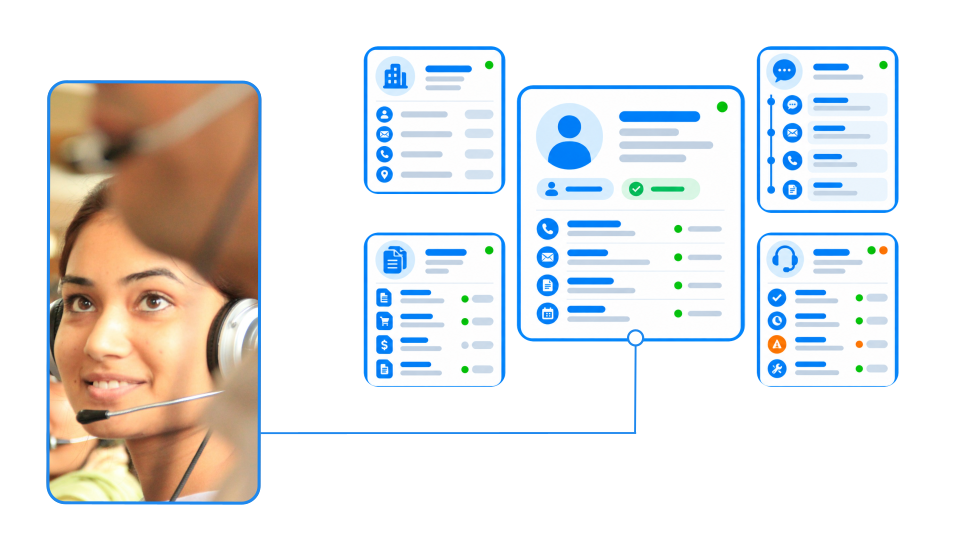
We review system behavior, resource use, recurring errors, and performance concerns. Early identification helps prevent smaller technical issues from affecting daily operations.
Integrations with accounting systems, online shops, machines, portals, and external services are monitored and maintained. Failed or incomplete data transfers can be identified and corrected quickly.
SIX ERP updates are planned, tested, and introduced with consideration for your configuration and custom functions. This keeps the system current without putting established workflows at unnecessary risk.
User permissions, roles, sensitive data, and important system controls are reviewed as teams and responsibilities change. This helps protect information while keeping work accessible to the right people.
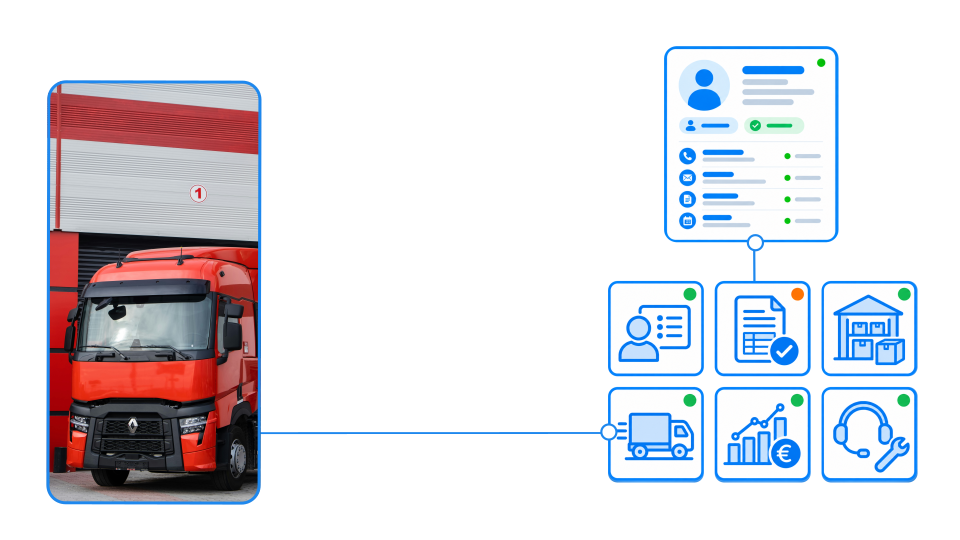
Support requests, user feedback, repeated workarounds, and operational data reveal where improvements are needed. We use this insight to identify practical opportunities for change.
Processes can be simplified as teams gain experience with the system. SIX adjusts configurations, notifications, approvals, and automations to reduce manual work and improve consistency.
New locations, services, products, regulations, or responsibilities can create new ERP requirements. We help adapt the system while protecting the processes that already work.
When configuration alone is not enough, SIX evaluates focused integrations or custom development. Every extension is assessed, tested, documented, and introduced according to clear business value.
Learn how managed cloud ERP compares with SaaS and self-hosted systems. Explore costs, responsibilities, security, maintenance, and flexibility to decide whether a provider-managed ERP is right for your growing business.

Explore 11 Odoo alternatives for connecting sales, finance, inventory, manufacturing, and service operations. Compare ERP platforms by workflow fit, integration, flexibility, implementation effort, and total cost to find the right solution for your business.

Learn how field services management software connects scheduling, mobile work orders, technician qualifications, parts, customer approvals, and invoicing. This practical guide explains the core FSM features, KPIs, ERP integration questions, and implementation steps to evaluate before choosing a system.

Discover how SIX StockFlow connects inventory, warehouse operations, and order fulfilment in one clear flow. Track stock across locations, coordinate movements, and give your team real-time visibility from goods receipt to dispatch.
Tell us where you are in your ERP journey—planning, implementation, or ongoing support. Our consultants will help you identify the right service path and explain what the next stage should involve.
What is included in SIX post-integration support?
Post-integration support helps keep SIX ERP reliable and useful in daily operations after go-live. It can include user guidance, investigation of system or workflow issues, performance and integration monitoring, controlled updates, access reviews, and improvements to workflows and automation. The exact support scope should be agreed for your organization.
How are support requests prioritized?
SIX assesses requests according to their urgency, business impact, the number of affected users, and the importance of the process involved. This helps the team focus on issues that disrupt critical operations while planning lower-risk improvements in a controlled way. Response times and service levels should be confirmed in the support arrangement.
How does SIX investigate an ERP issue?
SIX looks at the wider business process around the issue, not only the screen where it appeared. The investigation can consider the steps taken, relevant records, configuration, integrations, and recent changes to identify the likely cause and the appropriate correction.
When reporting an issue, include what you were trying to do, what happened, which users or processes are affected, and any steps that reliably reproduce the problem.
Does post-integration support include system monitoring?
Yes. The service can include reviewing system behavior, resource use, recurring errors, and performance concerns. Monitoring helps the team identify issues that could affect daily work and investigate them before they disrupt more of the operation.
Are integrations monitored and maintained after go-live?
SIX can monitor and maintain critical connections with accounting platforms, online shops, machines, portals, and other external services. Failed or incomplete data transfers can be investigated and corrected. The scope depends on the integrations in your support arrangement.
How are SIX ERP updates managed?
Updates are considered alongside your configuration, integrations, and custom functions. Relevant changes are tested and documented, then introduced with care to protect established workflows and system stability. The project team should agree how updates are communicated and validated for your environment.
Can SIX ERP be adapted as our business changes?
Yes. As your business adds teams, locations, services, products, or requirements, SIX can review the effect on your ERP workflows. Improvements may involve changes to configuration, permissions, reports, notifications, approvals, automations, or integrations. Larger extensions are assessed for business value, risk, and long-term impact before they are planned.
How does continuous improvement work?
SIX uses operational feedback—such as support requests, repeated workarounds, user feedback, and new requirements—to identify possible improvements. The team evaluates the need and selects an appropriate response, such as user guidance, a configuration change, an integration adjustment, or focused development. Changes are tested and documented before being introduced.
Does support include help for our employees?
SIX provides practical guidance to help users understand workflows and use SIX ERP functions correctly in their daily work. If your team needs structured or role-based training, agree on its scope as part of the support plan.
How are user access and permissions kept up to date?
Roles, permissions, and access controls should be reviewed as responsibilities and teams change. SIX can help adjust the ERP configuration so users have access appropriate to their work, while important controls and sensitive business information remain protected.
How do we start post-integration support with SIX?
Use the “Talk to an Expert” or “Plan your next step” button on this page to arrange a conversation. Be ready to describe your current SIX ERP setup, the processes you rely on, any connected systems, and the issues or improvements you want to address. SIX can then discuss a support scope suited to your needs.